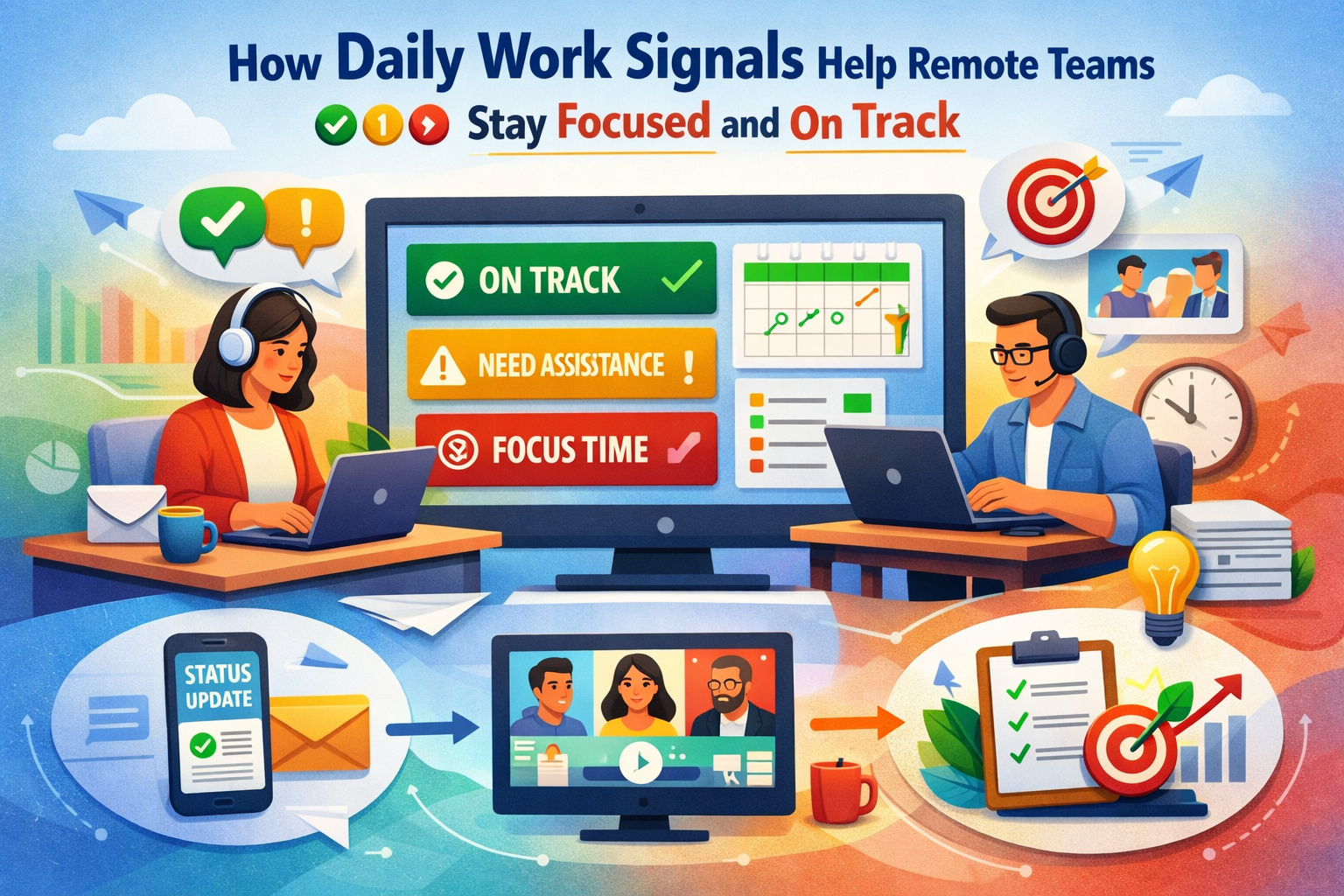
How Daily Work Signals Help Remote Teams Stay Focused and On Track
- 1 Friction Points That Disrupt Daily Flow in Remote Teams
- 2 How to Use Daily Work Signals to Steady Remote Work
- 2.1 1. Set Clear Start Signals for Every Task
- 2.2 2. Track Mid-Task Signals Instead of Waiting for Status Updates
- 2.3 3. Watch for Effort Spikes Before They Turn Into Burnout
- 2.4 4. Surface Small Backlogs Before They Break a Deadline
- 2.5 5. Guide Daily Work Signals with Smart Tools
- 3 Conclusion
A task looks simple until it drifts for a week with no clear reason. A handoff sits untouched in chat, or a teammate goes quiet for half a day, then returns overwhelmed. Remote work hides these signals, and the drag shows up long before the cause does.
This article breaks down how to read those daily signals and keep work steady. Monitoring software for PC helps you see the patterns that shape the team’s focus.
Friction Points That Disrupt Daily Flow in Remote Teams
Remote work makes the smallest workflow gap feel bigger. Subtle cues disappear, and delays spread before they’re noticed. These issues tighten schedules and chip away at momentum.
Here’s what unfolds when daily cues aren’t there:
- Blurred Start Points: Tasks linger, creating slow ramps and unclear ownership.
- Hidden Slowdowns: Work drifts during context shifts, leaving no early sign of where someone got stuck.
- Uneven Effort Signals: Some stretch through heavy loads while others drift, and the imbalance stays invisible until late.
- Silent Backlogs: Small delays gather into larger piles because nothing flags the drift early enough.
How to Use Daily Work Signals to Steady Remote Work
Daily signals act like quiet feedback loops inside a remote setup. They reveal early drift, rising pressure, and the real pace of work. Reading them with more intention keeps decisions sharp and the week steadier.
Here’s how to bring the day back into focus:
1. Set Clear Start Signals for Every Task
A clear start signal defines the moment a task officially moves into motion. It gives remote and hybrid work a visible anchor point that everyone can recognize. The habit creates a shared rhythm that makes the beginning of work feel intentional.
When work begins without a clear starting point, tasks drift in silence and lose momentum before anyone notices. Remote teams slip into late-week pressure because no one can see that the delay started early. The whole flow tightens around an invisible slowdown.
Clear starting cues live directly inside the workflow notes. The signals stay visible in the places where work naturally begins, creating a reliable anchor. As priorities shift, the cues adjust so the starting line remains obvious.
How can PC usage tracking software sharpen start signals?
PC usage tracking software highlights when focus shifts into actual work, giving a clear read on when tasks truly begin. A teammate might linger across several tools without committing to the first step, which might prompt you to set firmer starting cues that guide the day into motion.
2. Track Mid-Task Signals Instead of Waiting for Status Updates
Mid-task signals highlight the small shifts and decisions that happen while work is unfolding. These cues offer a more accurate picture of progress than end-of-day summaries. They help follow the natural flow of work without demanding constant check-ins.
If mid-task moments stay hidden, slowdowns surface only after they have already stalled progress. Remote and hybrid work amplifies this because no one sees the subtle shifts that signal confusion. Discovery arrives too late, with less room to redirect the work.
Look at daily patterns to reveal how work moves between tasks and tools. Subtle shifts show where attention settles and where it slips. Support adjusts based on these natural indicators instead of extra reporting.
How can a PC monitoring program help you read mid-task slowdowns?
A PC monitoring program surfaces long pauses and unusual tool changes that hint at stalled progress. One teammate could sit stuck in the same window far longer than normal, which might lead you to check for friction and offer a quick reset before drift spreads.
3. Watch for Effort Spikes Before They Turn Into Burnout
Effort spikes show where intensity builds during the week. They reflect how energy rises and dips across different tasks and moments. Paying attention to these patterns helps guide the team with steadier pacing.
If effort spikes go unseen, one person carries far more weight than they show, and tension builds quietly. Fatigue sets in long before anyone speaks up. By the time it becomes obvious, the strain has already shaped the week.
Mercer’s 2024 Global Talent Trends report gathered input from more than 12,000 participants across the world. That mix includes 9,500 employees, 84 investors, 845 C-Suite leaders, and 1,900 HR leaders. One finding stands out sharply: over 80% of employees face burnout risk this year.
Workload patterns show where pressure builds across the week. Some items move quickly while others accumulate weight, offering a clear sense of where energy concentrates. Expectations or task pacing can shift early while there’s still room to recover.
How can PC remote monitoring software uncover effort spikes?
PC remote monitoring software reveals patterns where active time stacks high across certain days or tasks. A teammate might show a steep climb in late-day activity, which might prompt you to rebalance expectations or lighten their load before fatigue locks in.
4. Surface Small Backlogs Before They Break a Deadline
Small backlogs appear in quiet moments long before they grow noticeable. They reveal where tasks linger or gather friction. Seeing them early helps keep the entire workflow moving with less stress.
When small backlogs stay hidden, they pile into a tight cluster that strains every task. Remote setups mask these early signs, and the pressure lands all at once. Work shifts from steady progress to rushed recovery.
Stalled motion or repeated steps act as early markers of backlog buildup. These moments feed directly into planning notes so they never sit unseen. Tasks get resized or rearranged to keep the flow steady and manageable.
How can a workforce intelligence platform make backlogs easier to spot?
Insightful’s workforce intelligence platform shows repeated returns to the same task or long idle gaps between actions. A teammate might loop on the same item without moving it forward, which could lead you to shrink the task or shift priorities to release the pressure.
5. Guide Daily Work Signals with Smart Tools
A monitoring tool works best when it sits inside daily habits rather than feeling like something extra. It gives clear work signals that support a steadier flow across the remote team.
Here’s what a monitoring tool brings into view:
- Start Pattern Indicators: Show when focus shifts into real work, creating a clear read on when tasks actually begin.
- Flow Interruption Cues: Highlight long pauses or tool changes that reveal mid-task drift.
- Effort Build-Up Trends: Reveal stretches of high activity that point to rising strain.
- Backlog Formation Signs: Expose repeated returns to the same task or slow movement across the queue.
Conclusion
Daily work signals turn remote hybrid work from guesswork into something readable and steady. A monitoring tool brings those signals into clearer view, making it easier to guide flow before tension builds. With clearer insight into how the day unfolds, choices come easier, and the team settles into a steadier, quieter rhythm.
https://www.forbes.com/sites/julianhayesii/2024/04/29/82-of-the-workforce-is-at-risk-for-burnout-heres-what-ceos-can-d0/