Top 3 Cloud Gaming Services By Performance, Pricing, and Platform Compatibility
Cloud gaming delivers console and PC-quality experiences by streaming games from powerful remote servers directly to your everyday devices, with performance depending on your internet connection, server proximity, and the service’s infrastructure.
This guide compares three leading platforms – Xbox Cloud Gaming, GeForce Now, and Boosteroid – based on their library access models, device support, performance tiers, and pricing to help you choose the ideal streaming solution for your gaming needs in 2025. By understanding how each service operates, you can make an informed decision that aligns with your existing game library, hardware, and performance expectations.
Prerequisites and Setup
A stable and fast internet connection is the foundation of a good cloud gaming experience. For a smooth high-definition stream at 1080p, services generally recommend a consistent internet speed of at least 15 to 25 Mbps. If you are aiming for higher resolutions like 1440p, a connection of around 35 Mbps is preferable, while 4K streaming requires 45 Mbps or more on supported platforms.
Just as important as raw bandwidth is low latency, as this ensures your controller inputs feel responsive and immediate. Device compatibility is typically broad, with most services supporting Windows PCs, macOS, mobile devices through dedicated apps, web browsers on various operating systems, and select smart TVs. However, controller support and account requirements can differ significantly, ranging from all-inclusive subscription catalogs to models that require you to own the games you want to play.
Xbox Cloud Gaming
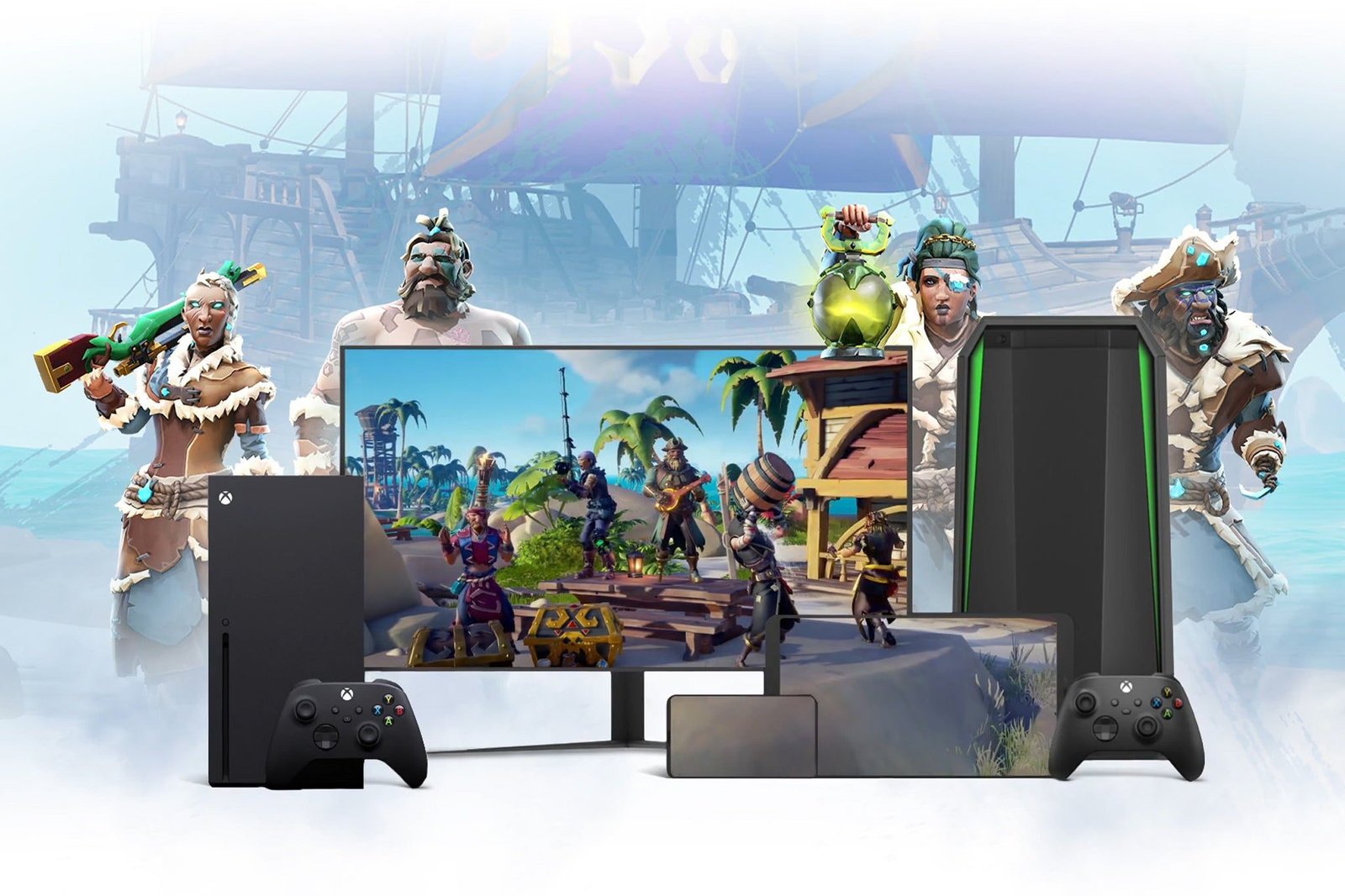
Microsoft’s cloud streaming service is a core component of its Game Pass Ultimate subscription, giving members access to a large and rotating library of hundreds of games without needing a console. Accessible through dedicated apps on consoles, PCs, and mobile devices, as well as web browsers, it offers a seamless way to play Xbox titles anywhere.
Recent updates from Microsoft indicate an expansion of usage limits and ongoing improvements to streaming quality, which generally target a 1080p resolution at 60 frames per second. Because it is tied directly to the Game Pass ecosystem, Xbox Cloud Gaming is an excellent value proposition for existing subscribers, allowing them to sync their game progress across platforms and instantly access new first-party releases on day one.
GeForce Now
Nvidia’s GeForce Now operates on a different model, functioning as a powerful remote PC that streams games you already own from digital storefronts like Steam, the Epic Games Store, and Ubisoft Connect. The platform is structured around multiple performance tiers, including a free option for basic access, a Priority tier with faster server access and longer session lengths, and the premium Ultimate membership.
The Ultimate tier is its main draw, providing the performance of an RTX 4080-class GPU in the cloud, enabling streaming at up to 4K resolution and 120 frames per second on supported devices. With its extensive device compatibility and clear system requirements, GeForce Now is the ideal solution for PC gamers who have built a substantial game library and want to play their titles at the highest visual fidelity without investing in expensive local hardware.
Boosteroid
Boosteroid provides a versatile and powerful cloud gaming experience, allowing users to play many of their own PC games across a wide array of devices, including smart TVs, through dedicated applications and browser support. The service provides access to high-end GPU hardware capable of supporting up to 4K resolution and high frame rates, with a focus on delivering a low-latency experience by strategically deploying servers across Europe and North America.
As a major independent force in the cloud gaming space, Boosteroid competes directly with tech giants in both scale and performance, thanks to its extensive multi-region infrastructure. The platform offers a straightforward and competitively priced subscription model and is continually expanding its global server footprint to enhance capacity and reduce input lag, making it a compelling and flexible alternative for gamers seeking high performance and broad device support.
How to Choose the Right Service
Your choice of cloud gaming service should align with your gaming habits and priorities. For players deeply invested in the Xbox ecosystem, Xbox Cloud Gaming is the natural fit, offering a vast, curated library of titles through the Game Pass Ultimate subscription.
If your goal is to stream an existing PC game library at the highest possible performance settings, GeForce Now’s Ultimate tier provides an unparalleled experience, effectively giving you access to a top-tier gaming rig in the cloud. For those who value flexibility from a fast-growing independent platform, Boosteroid offers a robust and widely accessible solution for playing owned PC titles on nearly any device, and it is a strong choice as the world’s largest independent cloud gaming provider that is not owned by a tech giant, yet still rivals them in performance.
Frequently Asked Questions
What internet speed is best for cloud gaming?
While 15-25 Mbps is sufficient for 1080p gaming, a faster connection of 35-45 Mbps is recommended for 1440p and 4K resolutions. Low latency (ping) is equally critical for ensuring your controls feel responsive.
Do I need a special controller?
Most services work with standard controllers, including Xbox and PlayStation gamepads, as well as mouse and keyboard on PC. Some services may offer their own optimized controllers, but they are not usually required.
Can I play any game I own?
This depends on the service. GeForce Now and Boosteroid allow you to play a large number of compatible games you already own on PC. Xbox Cloud Gaming, by contrast, provides access to a specific library of games included with the Game Pass Ultimate subscription.
The cloud gaming landscape in 2025 offers several powerful and distinct options, each catering to different types of players. The best service for you ultimately depends on your preferred library model, performance expectations, device ecosystem, and budget. Whether you want the curated convenience of a subscription catalog, the raw power to stream your own PC games at maximum settings, or the flexibility of a fast-growing independent platform, the ideal solution is available. By using this guide’s framework, you can confidently choose the service that best fits your needs.