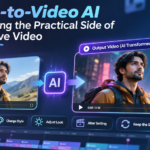
Video-to-Video AI Is Becoming the Practical Side of Generative Video
- 1 The Shift from Text-to-Video to Video-to-Video AI
- 2 Why Video-to-Video AI Is Changing Video Production
- 3 Three Kinds of Video-to-Video AI Edits That Are Becoming the Norm
- 3.1 1. Motion Transfer
- 3.2 2. Object Swap
- 3.3 3. Restyle
- 3.4 A Closer Look at One Example: Higgsfield’s Genjutsu Model
- 3.5 How to Get a Clean Result With Video-to-Video AI
- 3.6 How Video-to-Video AI Fits Into a Real Workflow
- 3.7 The Constraints and Limitations of Video-to-Video AI
- 3.8 The Impact of Video-to-Video AI on Small Teams
The Shift from Text-to-Video to Video-to-Video AI
Up until this point, commercially available AI video generative models have relied on text boxes. These models have improved rapidly over the past couple of years, but their limitations remain apparent to anyone that has attempted to use them for work. Random camera movements, breaks in timing and getting similar prompts to produce the same result, are just a few of the more irritating idiosyncrasies of these models.
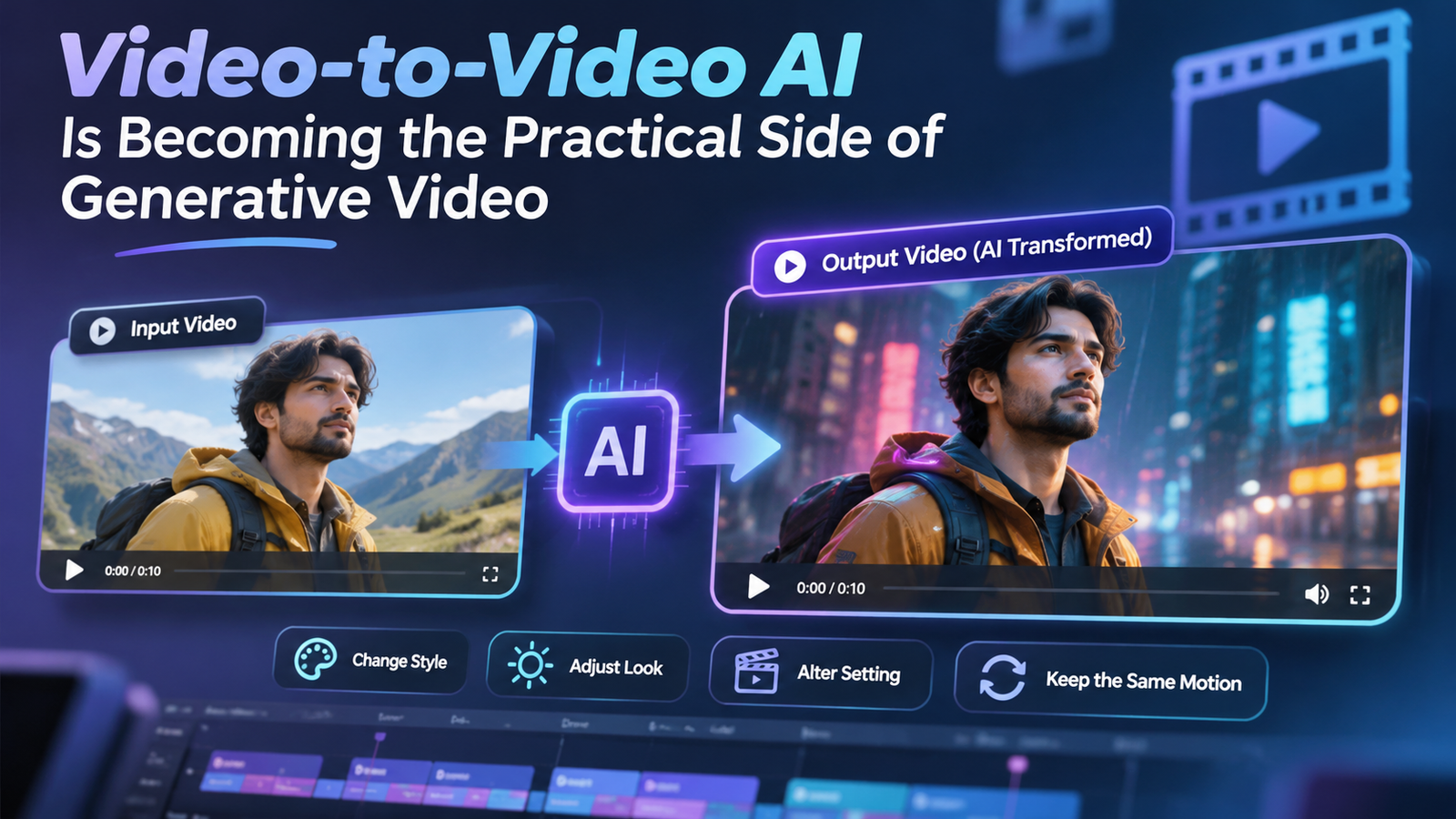
A different approach is becoming more popular, and rather than starting from a blank page, these models leverage existing video. These “video-to-video” models allow users to keep what works in an existing video, and make the changes the user is asking for. Marketing teams, content creators, and smaller agencies will benefit most from this shift, far more than any increase in raw image quality.
Why Video-to-Video AI Is Changing Video Production
The main benefit of working with real footage rather than imagining everything from scratch, is that the things that humans notice first, are often the hardest for a model to produce. For a dance, a model might have to understand the subtleties of why and how people shift their weight, or how a camera should move to follow a subject, and then it can replicate those things, rather than having to generate everything itself.
So, in terms of production, a video of a subject moving, dancing, or holding a product, can be used as a base to produce many finished variations. The most expensive part of production, getting a good performance, happens only once. The variations come later.
Three Kinds of Video-to-Video AI Edits That Are Becoming the Norm
Video to video tools are beginning to group their features into a few clear jobs.
1. Motion Transfer
Motion transfer. With this job the video editing tool treats the original video as a performance. Choreography, camera path and edits are locked, and the rest is rebuilt with reference images. Music videos and dance content are clear use cases for this job, as performances are hard to repeat.
2. Object Swap
Object swap. With this job, one and only one element changes in the video. The rest stays as is. This is the edit that the ad teams care about most, as it allows an ad to be edited for a new market, or a new colorway, without having to shoot a new ad.
3. Restyle
Restyle. This job allows you to completely change the artistic style of the original video to another style, for example anime, stop motion or any other stylistic 3D. This job keeps the choreography and the editing of the original performance. This job is a quick way to repurpose old footage and/or to test and explore a new artistic direction.
A Closer Look at One Example: Higgsfield’s Genjutsu Model
Higgsfield’s Genjutsu model is a great example of where this technology is heading. For this model, the users provides a source video between 4 and 30 seconds, and the model provides the 3 jobs mentioned above. For the motion transfer and object swap, up to 8 reference images are provided, for the restyle job, 20 presets are provided. The output resolution can be set to 480p, 720p and 1080p. For shorter, 15 second, clips, a cheaper and lighter variant is available, and the model keeps the original audio.
Access is extending beyond the developer’s own app. Multi-model platforms have begun to integrate it with other video generators, so teams can now use Higgsfield Genjutsu for motion transfer and object swap in the same workspace they use to generate text-to-video or image-to-video, and compare the results without having to use a different subscription.
People who use these tools say a clean source clip and clear references are more important than a long prompt. A short prompt like “replace the man in the black suit with the character in my reference and keep the background” usually produces better results than a long prompt.
How to Get a Clean Result With Video-to-Video AI
There are certain habits that make a noticeable difference no matter which video to video model you use.
- Start with a strong take – A clear, distinct motion with good framing and lighting gives the model more to keep. Flicker is common with video that is shaky, dark or heavily compressed.
- Use consistent references – Images of the character, outfit or product should be well-lit and shot from angles similar to the source footage. Using very different angles can confuse what is being referenced.
- Test short, then scale – Check the change on a short, low quality portion of the video first, and render the full video at a higher quality (e.g. 1080p) only if you are satisfied with the result.
- Match framing. If the source footage is vertical, render the video the same way. The same applies for widescreen vs. standard footage.
How Video-to-Video AI Fits Into a Real Workflow
The most reliable use cases include:
- Variations on ads. Swap the product or presenter, and change the background while preserving the timing of an ad that has already been approved. Each region or audience gets their own approved ad.
- Fashion and wardrobe tests. Run multiple references of an outfit over a single pose or movement to see how they look before booking a full shoot to capture a collection.
- Recurring characters. Film the movements yourself. Let the same character perform the movements. The character can keep the same identity for a series of posts.
- Show a client a potential outcome of a shot for a different style or location using very rough reference footage.
The Constraints and Limitations of Video-to-Video AI
All of this still means reviews are necessary. Caps on length mean longer videos have to be separated and combined. Some modes switch off the sound. Hands, small text, logos, and fast motion can still drift. Rough footage may not align with the final outcome. Always check the final edit against the original.
There are also rights considerations that teams can’t skip. Swapping in a face or person in a video has become relatively easy from a technical perspective. Using footage and likenesses without the required clearances is an ethical and legal concern, and brands should approach it as they would any other piece of creative.
The Impact of Video-to-Video AI on Small Teams
The original enthusiasm for Generative AI for video was that it would make film production as simple as providing a prompt. It may not be as far fetched to think that anyone with a recent model phone can take a clip and have it generated into numerous refined variations in a single afternoon. For teams that regularly produce a lot of short-form video and are constrained by tight production budgets, this could be a substantial improvement.
The tools will only get better, but the general direction is already set. Capture the motion once, keep it, and let the model handle the changes.