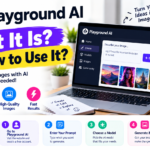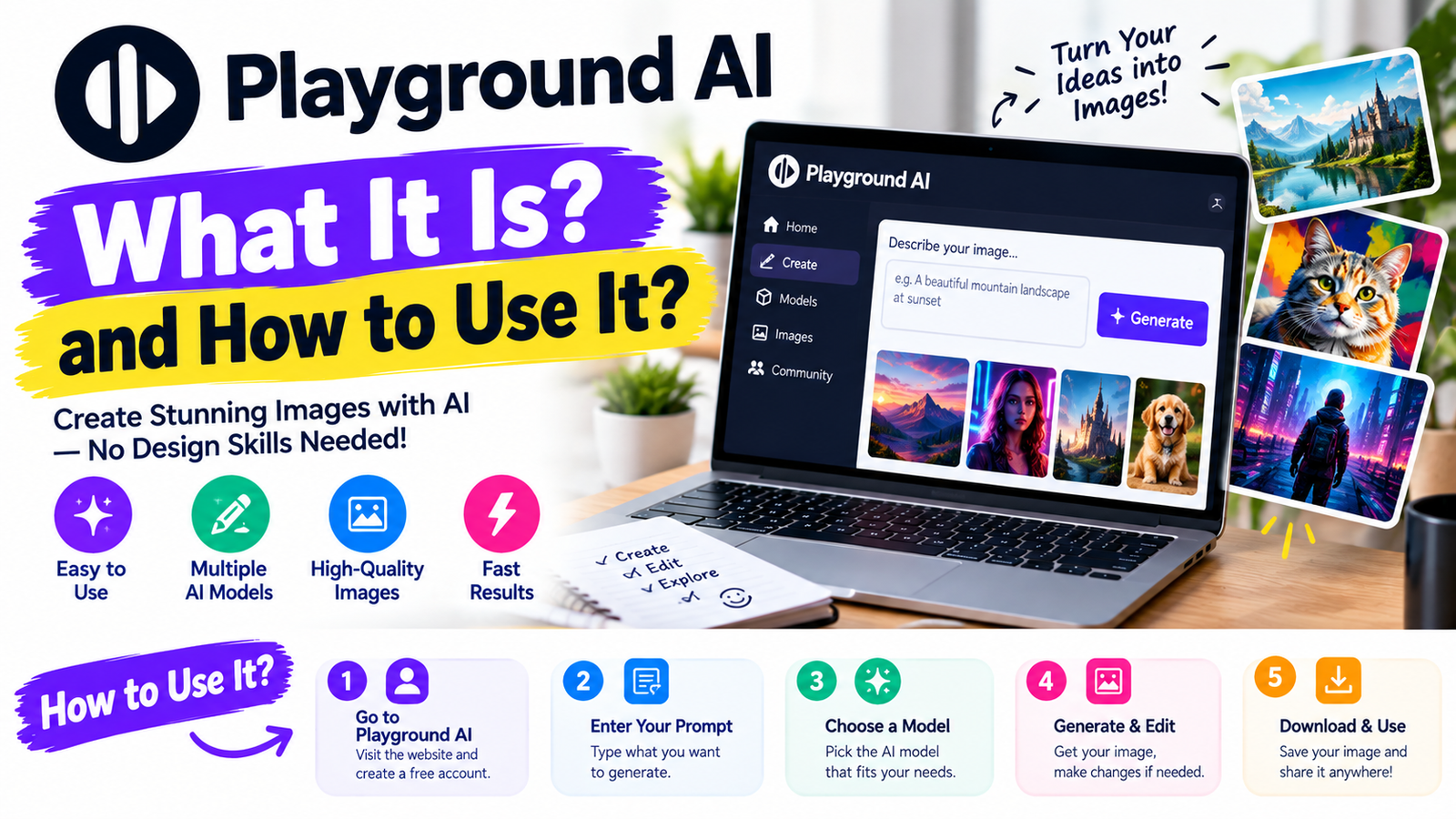
Playground AI: What It Is? and How to Use It?
- 1 What Is Playground AI?
- 2 How Does Playground AI Work?
- 2.1 User Provides a Prompt
- 2.2 AI Interprets the Instructions
- 2.3 The Selected Model Generates the Image
- 2.4 The User Refines the Result
- 3 Key Features of Playground AI
- 3.1
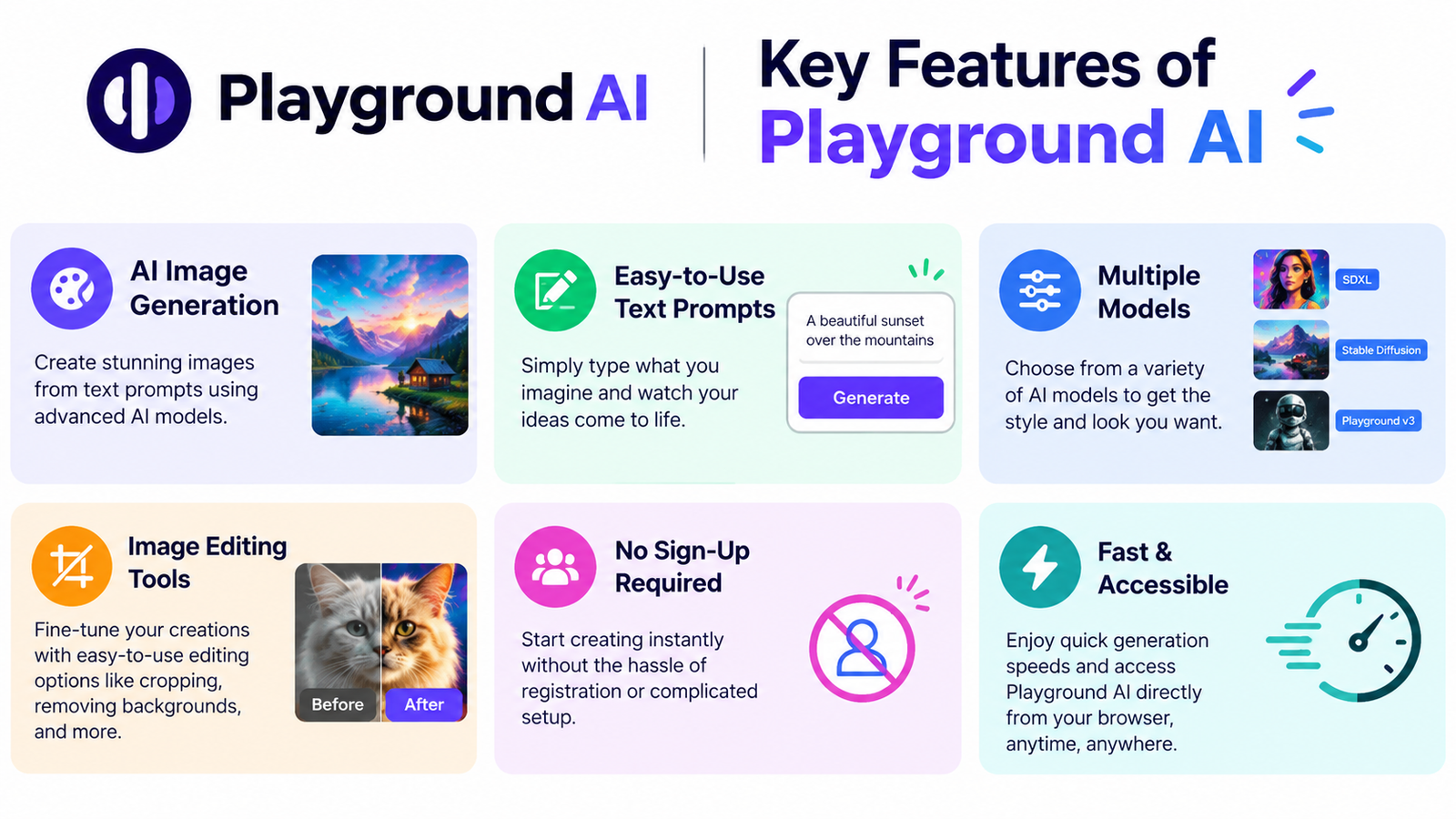 AI Image Generation
- 3.2 AI Image Editing
- 3.3 Smart Layers
- 3.4 Text Generation Inside Images
- 3.5 Background Removal
- 3.6 Image Upscaling
- 3.7 Templates
- 4 Playground AI Models
- 4.1 Playground v3
- 4.2 GPT Image 2
- 4.3 Nano Banana
- 4.4 Seedream
- 4.5 Nano Banana Pro
- 5 Pricing Guide
- 6 Playground AI Free vs Paid Plans
- 7 Is Playground AI Worth Using?
- 8 Final Verdict
Artificial intelligence has changed the way people create images and digital designs. Tasks that once required professional graphic design skills can now be completed with a simple text prompt.
Playground AI is one of the AI-powered platforms that makes this process easier. It combines image generation and editing in one place.
It is designed for creators who want to generate or modify visual content without spending hours working in traditional design software.
Users can describe what they want, and AI works on this description.
This platform has also expanded beyond basic AI image generation. Its current features include:
- AI image editing
- Background removal
- Upscaling
- Templates
- Smart Layers
What Is Playground AI?
It is an AI-powered image generation and design platform that allows users to create customized visual content using artificial intelligence.
Instead of creating every element manually, you can provide just instructions for the required image. It then uses AI models to interpret those instructions and produce a visual result.
How Does Playground AI Work?
It works by combining natural-language instructions with AI image-generation and editing models.
User Provides a Prompt
The process begins when the user describes the image or design they want.
The prompt can include details such as:
- Style
- Colors
- Background
- Composition
- Text
The more specific the instructions are, the easier it is for the AI to understand the intended result.
AI Interprets the Instructions
AI model analyzes the instructions and determines what visual elements should appear in the final image.
The Selected Model Generates the Image
Playground provides access to several AI models rather than relying on a single model for every task.
Its current model selection includes:
- Playground v3
- GPT Image 2
- Nano Banana
- Seedream
- Nano Banana Pro
The User Refines the Result
AI generation does not have to be the last step.
You can continue modifying the generated design by providing an additional prompt and changing objects as per your needs.
Key Features of Playground AI
AI Image Generation
One of Playground AI’s primary capabilities is generating images from text instructions.
You can describe an idea and allow AI to turn that description into a visual design.
AI Image Editing
It can also be used to enhance existing projects.
Instead of opening a traditional image editor and manually selecting individual elements, you can give the AI instructions about what you want changed.
Smart Layers
One of Playground’s newer features is Smart Layers.
Traditional AI-generated images are often treated as a single flat image. Smart Layers changes this approach by using AI to identify individual objects and text within a design.
Users can then select individual elements and:
- Move them
- Resize them
- Rotate them
- Edit text
- Delete objects
- Rearrange the composition
Text Generation Inside Images
Text has traditionally been one of the difficult areas for AI image generators.
Playground now offers GPT Image 2, which it describes as improving typography and the ability to generate readable text inside images.
This can be useful for posters and logos where written content is important.
Background Removal
It also provides an AI-powered background-removal feature.
This can be useful when preparing:
- Product photos
- E-commerce images
- Social media graphics
- Marketing materials
- Print-on-demand designs
- Profile images
According to Playground’s current pricing information, background removal is available on paid plans rather than the Free plan.
Image Upscaling
Upscaling allows you to increase the resolution of an image while improving its usefulness for larger displays or print-related projects.
It includes upscaling as part of its paid features, which can be useful when an AI-generated image needs to be prepared for a higher-resolution application.
Templates
Playground also provides templates for different types of designs.
Templates can help beginners who do not want to start with a completely blank canvas.
Playground AI Models
One of the things about Playground is that it gives users access to several different AI models.
Playground v3
Playground v3 was built with design in mind.
Playground says this model focuses on areas like:
- understanding
- Visual communication
- Typography
- Color precision
- Layout control
The company launched Playground v3 as a model made for graphic design not just for making pretty pictures.
GPT Image 2
GPT Image 2 is part of the premium options in Playground.
It works well for designs that need text and exact spacing between objects.
Playground points out that it can handle typography create images and keep characters or products looking the same across different images.
Nano Banana
It is another model you can use in Playground.
Playground says it’s good for editing images and keeping things consistent when you make changes.
You can use it to change backgrounds remove things from images or make product mockups.
Seedream
Seedream is another model that comes with the premium plans in Playground.
Playground says it’s strong at keeping images producing high-quality aesthetics.
Nano Banana Pro
Nano Banana Pro is available, on the higher-tier plans.
It uses credits each time you generate an image compared to the regular premium models.
Pricing Guide
| Model / Plan | Price per Month |
| Playground v3 – Free | $0/month |
| GPT Image 2 – Free | $0/month |
| Nano Banana – Free | $0/month |
| Seedream – Free | $0/month |
| Nano Banana Pro – Pro | $12/month* |
| GPT Image 2 – Pro | $12/month* |
| Nano Banana – Pro | $12/month* |
| Seedream – Pro | $12/month* |
| Nano Banana Pro – Pro Plus | $36/month* |
| GPT Image 2 – Pro Plus | $36/month* |
| Nano Banana – Pro Plus | $36/month* |
| Seedream – Pro Plus | $36/month* |
Playground AI Free vs Paid Plans
The biggest difference between the Free and paid plans is the amount of usage and access to advanced features.
The Free plan is suitable for people who want to experiment with AI image creation.
The Pro plan is more appropriate for creators who regularly generate images and need features such as:
- More generations
- Premium templates
- Background removal
- Upscaling
- AI editing
- Commercial use
Pro Plus is aimed at users who need significantly higher generation limits and more advanced capabilities.
One important difference is commercial licensing. Playground currently states that Pro and Pro Plus include a worldwide royalty-free commercial-use license, while the Free plan is intended for non-commercial use.
Is Playground AI Worth Using?
Playground AI is worth considering if you want an AI tool that combines image generation with practical design and editing features.
Its biggest advantage is that it goes beyond simply generating an image from a prompt.
Features such as Smart Layers make it more suitable for real-world design workflows.
The Free plan is a good starting point for beginners who want to test the platform. But people using Playground for professional or commercial projects may find the paid plans more useful because they provide greater access to models, along with commercial-use licensing.
Overall, Playground AI can be a practical option for designers who want to produce visual content faster while still having control over the final design.
Final Verdict
In my opinion, Playground AI is a useful option for people who want to create professional-looking visual content without spending too much time on traditional design work.
Its simple interface makes it easy for beginners as well as experienced creators.
The free plan is a good way to test the platform before paying for it. Whereas paid plans can be more suitable for regular professional use.
Overall, if you are looking for an AI design platform that saves time and gives you more control over your creative work, Playground AI is worth trying.