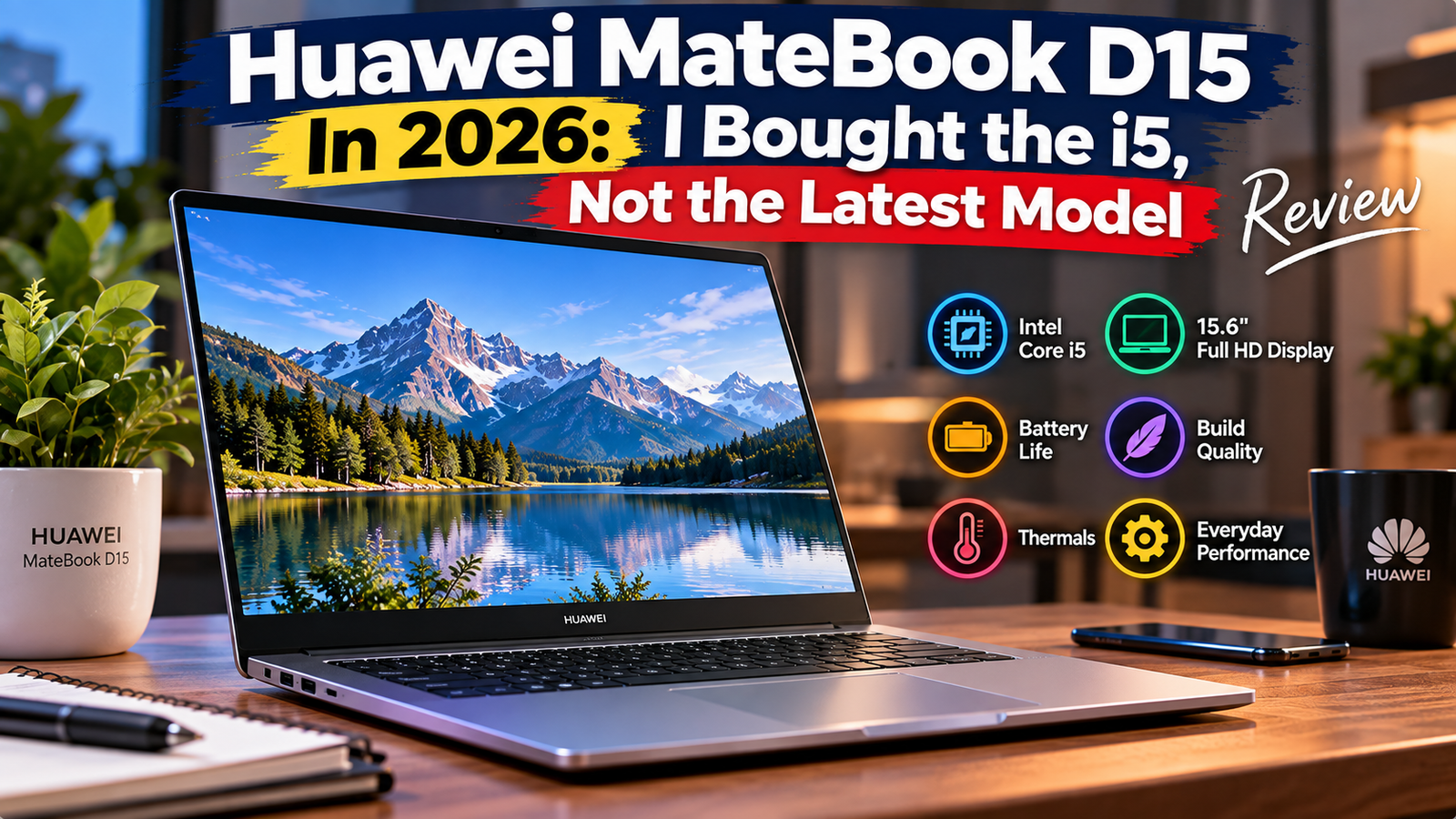
Huawei Matebook D15 In 2026: I Bought the i5, Not the Latest Model Review
I bought the Huawei MateBook D15 – Core i5, 8GB, 512GB model as an example of a business-class laptop with a metallic chassis that would be relevant for 2026. The choice fell on this particular configuration because, according to Huawei’s website, it remains one of the most popular in regional stores and international platforms.
However, it was not a recent release: the device was launched in 2020 and had to retire from the US market without an update. Therefore, the main question for this review was whether a five-year-old design could meet modern demands and be worth its $600+ price tag compared to more recent alternatives like the Acer Aspire 5 or Asus Vivobook Go 15. The answer depends on the user’s priorities, which will become apparent after reading the full review.
Quick Verdict
Rating: 6.8/10
Who it is for: A budget-conscious buyer who wants a metallic-chassis 15.6″ laptop for running office tasks near a power outlet.
Not for: Those who want a backlit keyboard, extended battery, and discrete graphics.
Specifications of Huawei Matebook D15
| Specification | Details |
| Display | 15.6″, FHD, 1920 x 1080, 250 nits, 16:9 ratio, 170-degree viewing angle, IPS anti-glare, TÜV low-blue-light certified |
| Processor | Intel Core i5-1135G7 (“Tiger Lake”, 4 cores, 8 threads, up to 4.2 GHz) |
| RAM | 8GB DDR4 soldered onto the motherboard |
| Storage | 512GB PCIe NVMe SSD (M.2 2280 standard, user-upgradeable) |
| GPU | Intel Iris Xe integrated graphics |
| Battery | 42 Wh lithium polymer with 65W USB-C charging |
| Operating System | Windows 11 Home |
| Weight | 1.53 kg (3.4 lbs) |
| Dimensions | 357.8 x 229.9 x 16.9 mm |
| Ports | USB-C, USB 3.2 Gen1, two USB 2.0 ports, HDMI, and a 3.5mm combo jack for headphones/microphone |
| Connectivity | Wi-Fi 6 (802.11ax), Bluetooth 5.1 |
| Webcam | pop-up 720p webcam |
| Security | Fingerprint reader on the power button |
| Base Price (2026) | ~$580-$620 (available in regional and international Huawei stores; no longer available in the US) |
Design & Build Quality
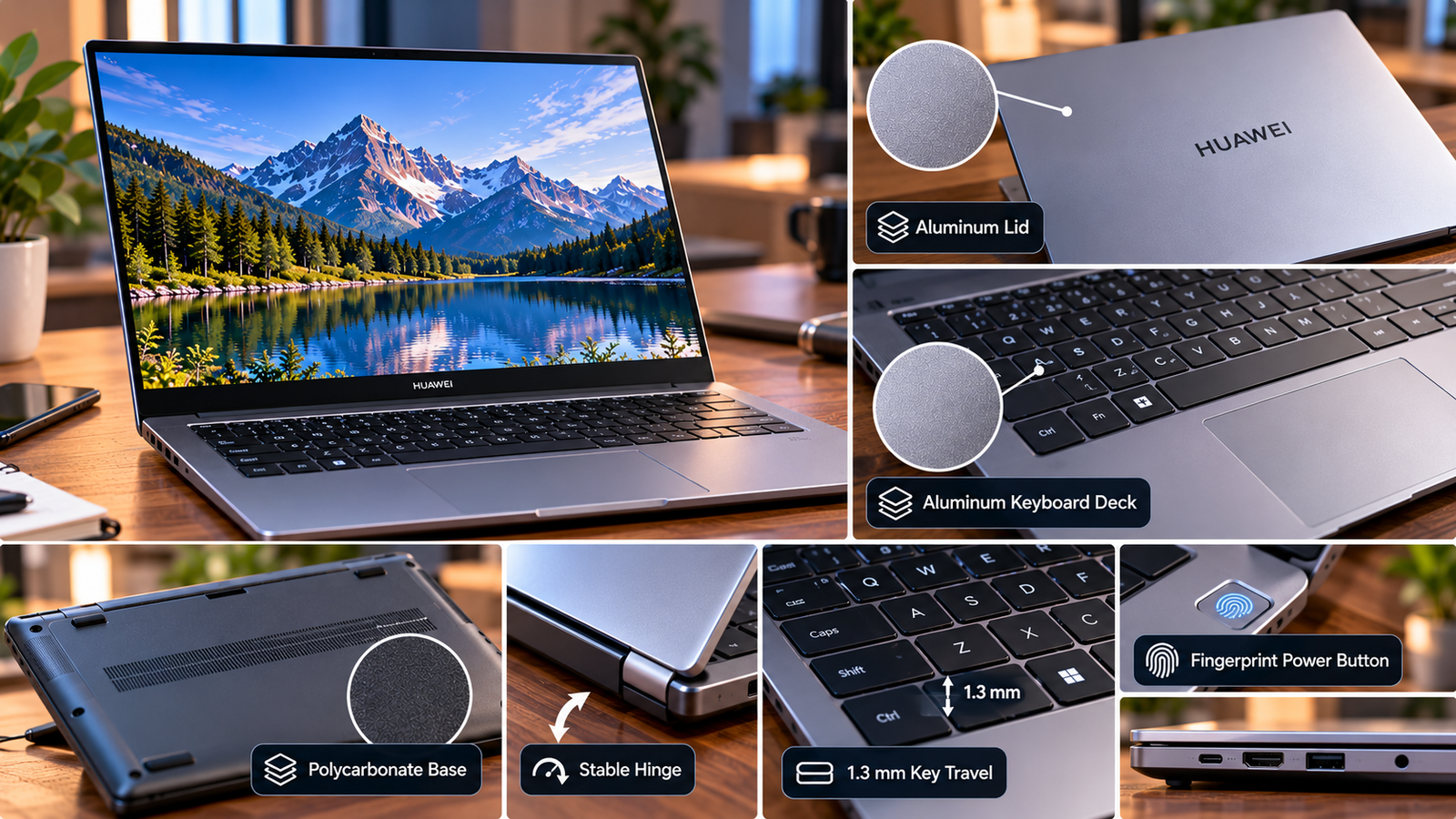
The lid and keyboard deck are made of genuine aluminum, which feels pleasant to the touch, doesn’t flex at the trackpad, and allows for a stable angle hold in the hinge. The laptop’s base, side panels, and hinge area, however, are made of polycarbonate, not metal as some outlet reviews claim, which can be heard by tapping on the bottom panel.
The keyboard deck’s keys have 1.3 mm of travel and a solid bottom-out, but no backlight, making them unsuitable for night-time use. The fingerprint sensor built into the power button wakes up the laptop in under a second.
Also Read: Huawei MateBook X Pro Review
Display
The 15.6” FHD IPS panel is good for text and spreadsheets but not much else. The peak brightness is around 250 nits, which means that working outdoors or near a sunny window involves constant adjustment of the display’s angle. The colors are decent enough for casual photo viewing, but the panel’s color gamut isn’t wide enough for serious photo editing work.
The viewing angles are decent at 170 degrees, with only a small shift in color from the default 90-degree viewing angle. As mentioned, it’s a matte, anti-glare panel, which is optimal for office lighting, and there’s no touch support in any configuration.
Performance
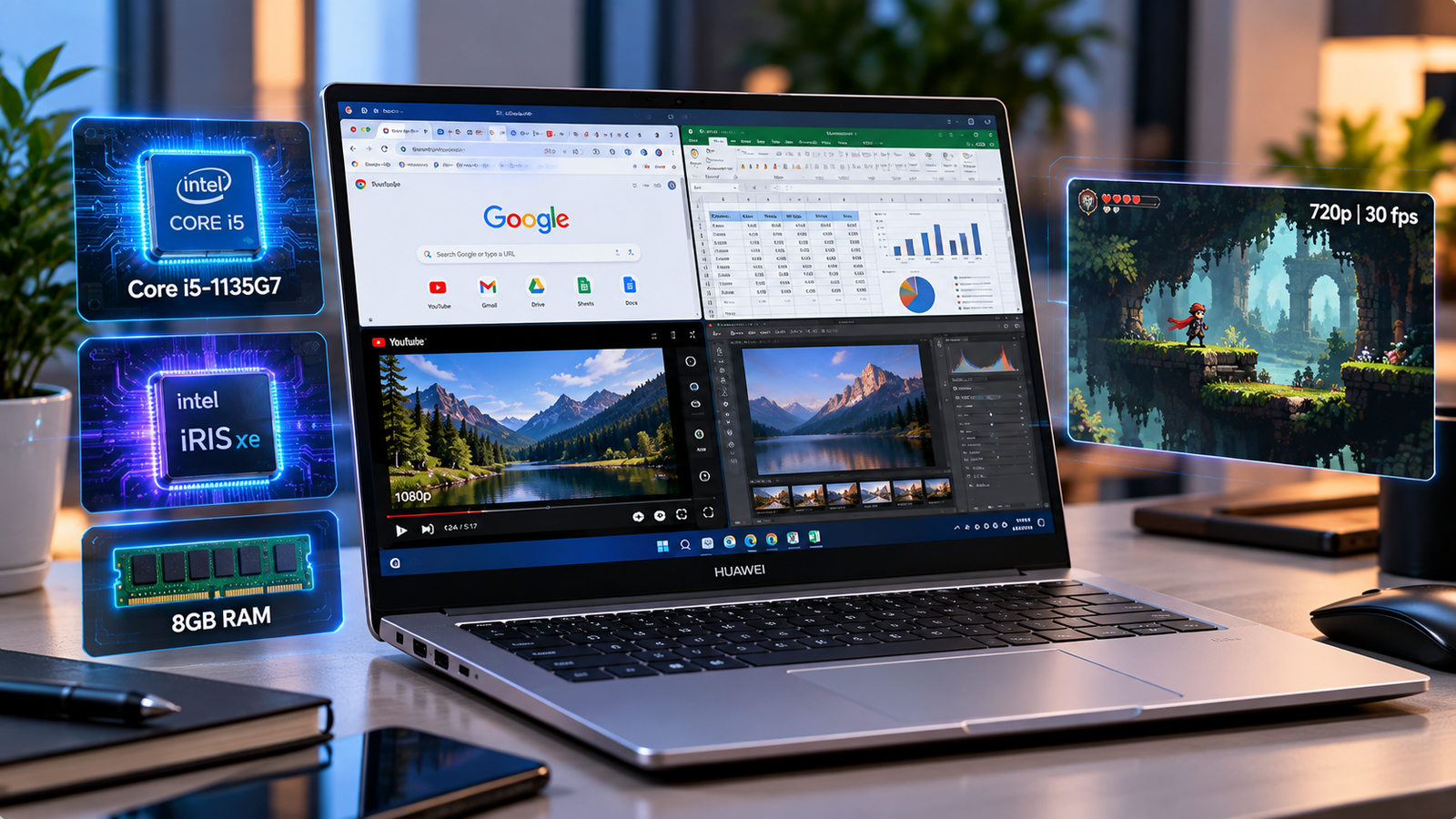
The Core i5-1135G7 processor is a quad-core, eight-thread Tiger Lake chip, which has seen three generations since its launch, and it’s still a mid-range processor suitable for the tasks this laptop is intended for. In practice, the 15.6” Chromebook can handle a dozen or so open tabs in Google Chrome, an Excel spreadsheet with complex calculations, and a 1080p video stream, but not much else.
The integrated Iris Xe graphics can manage light photo editing software and occasional casual gaming at the lowest settings. A six-year-old indie game I’ve thrown in for testing runs at a consistent 30 fps in 720p, but becomes unplayable at the native resolution. This Chromebook is not a creative tool or a gaming laptop, as the silicon underneath isn’t up to the task, and 8GB of soldered RAM limits multitasking.
Battery Life
The 42Wh battery is the laptop’s Achilles’ heel, as I found only around 5 hours of mixed usage (email, browser, word processing) before needing a power source, far below the 6-8 hours suggested by Huawei’s promotional materials. Gaming or video exporting will drain it in under 2.5 hours. Meanwhile, the included 65W USB-C charging cable hits 50% in roughly 30 minutes of charging, making it easy to toss a wall wart in your bag for impromptu top-ups between meetings.
Thermal Management & Fan Noise
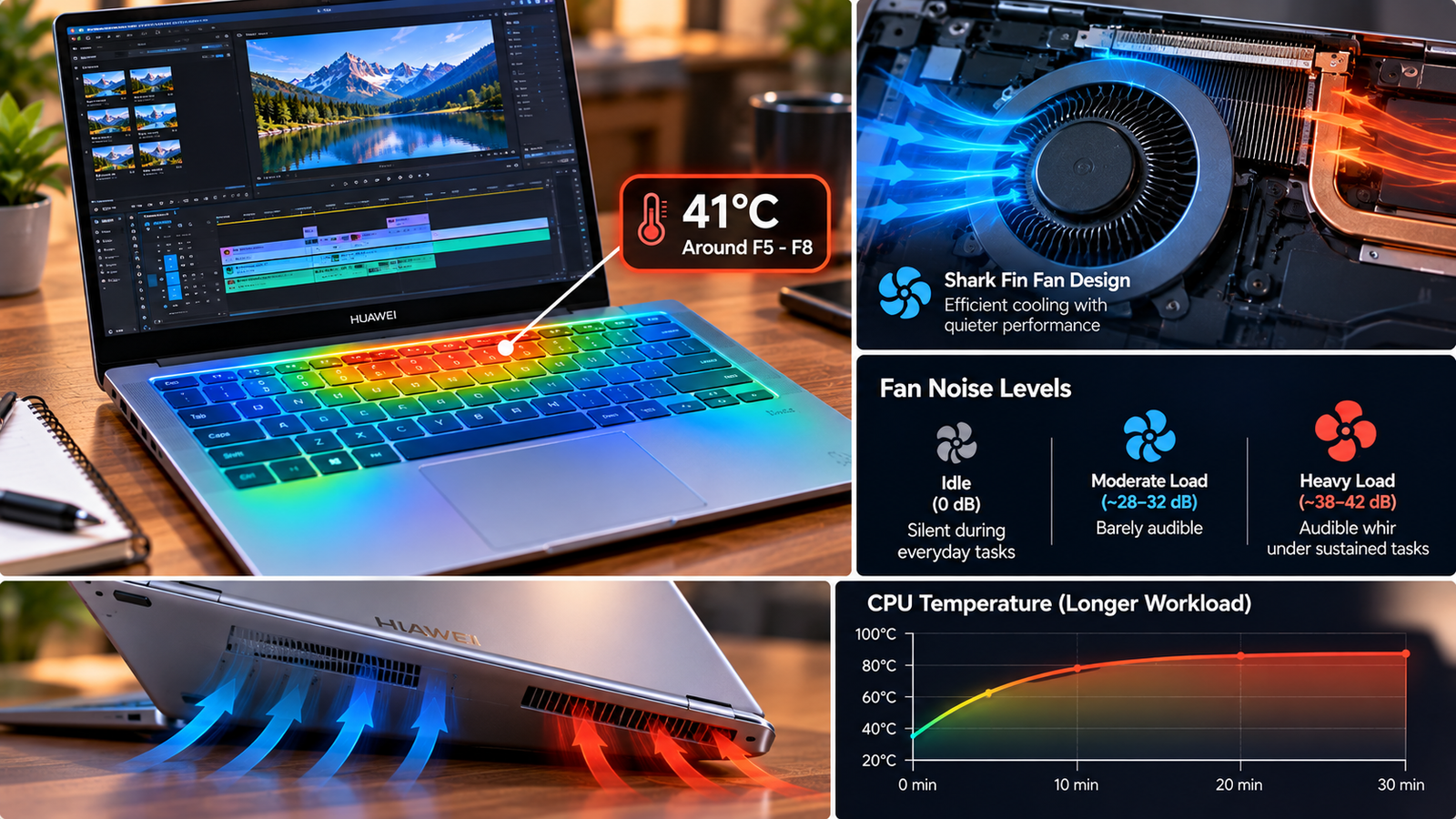
The Shark Fin design of Huawei’s custom fan is its best feature, easily providing enough silence for email and web surfing while on battery. Throw in a continuous CPU-intensive task such as video exporting, and it’ll ramp up to an audible whir within about 90 seconds of reaching a stable temperature, with some online owners reporting an audible high-pitched squeal at speeds above 70% fan speed (coil whine).
The keyboard deck around the F5-F8 keys sees the most noticeable warming after 20+ minutes of intense workloads, though the palm rest remains comfortable throughout. It never got hot enough to trigger thermal throttling in my testing, but it’s not exactly a silent powerhouse either way under sustained loads despite the marketing copy.
Pros & Cons Of MateBook D15
| Pros | Cons |
| Premium-feeling aluminum lid and keyboard deck | 42Wh battery drains fast under any load |
| Fast 512GB NVMe SSD, user-replaceable | 8GB soldered RAM, no upgrade path |
| 65W USB-C hits 50% in ~30 minutes | No backlit keyboard across any trim |
| Fingerprint reader on power button unlocks in under a second | Only one USB-C port, no Thunderbolt |
| Silent fan at idle | Fan ramps audibly and warms under sustained loads |
Final Verdict
The MateBook D15 is a laptop I would consider recommending to a customer. If you’re just looking to do office work and video conferencing near a power source, it’d probably serve you fine for a few years, given the premium-feeling keyboard deck and aluminum lid, fast NVMe SSD storage, and 65W USB-C quick charge capabilities. But if you want to take it anywhere without a power cable (or have a demanding GPU workload), the 42Wh battery and aging Tiger Lake silicon will frustrate you within a month of ownership.
It also isn’t a laptop you’re likely to find in US big-box retailers in 2026 – you’ll have to go through either a regional Huawei storefront or a marketplace reseller, with potentially complicated warranty options compared to a traditional laptop purchase. It’s a value-oriented ultraportable with some premium touches, but it has a very specific use case as a docked machine for people who want to feel like they’re using a higher-end laptop without spending the money. Anyone looking for extended battery life or performance will be disappointed.