AI-Powered Website Design: Trends Businesses Need to Know
- 1 What Is AI-Powered Website Design?
- 2 5 AI-Powered Website Design Trends Businesses Need to Know
- 2.1 1. AI-Generated Website Layouts and Prototypes
- 2.2 2. AI-Powered Website Personalization
- 2.3 3. AI-Driven UX and UI Optimization
- 2.4 4. AI-Assisted Content and Visual Creation
- 2.5 5. AI-Powered Conversational Websites
- 3 Should Businesses Invest in AI-Powered Website Design?
- 4 Final Takeaway
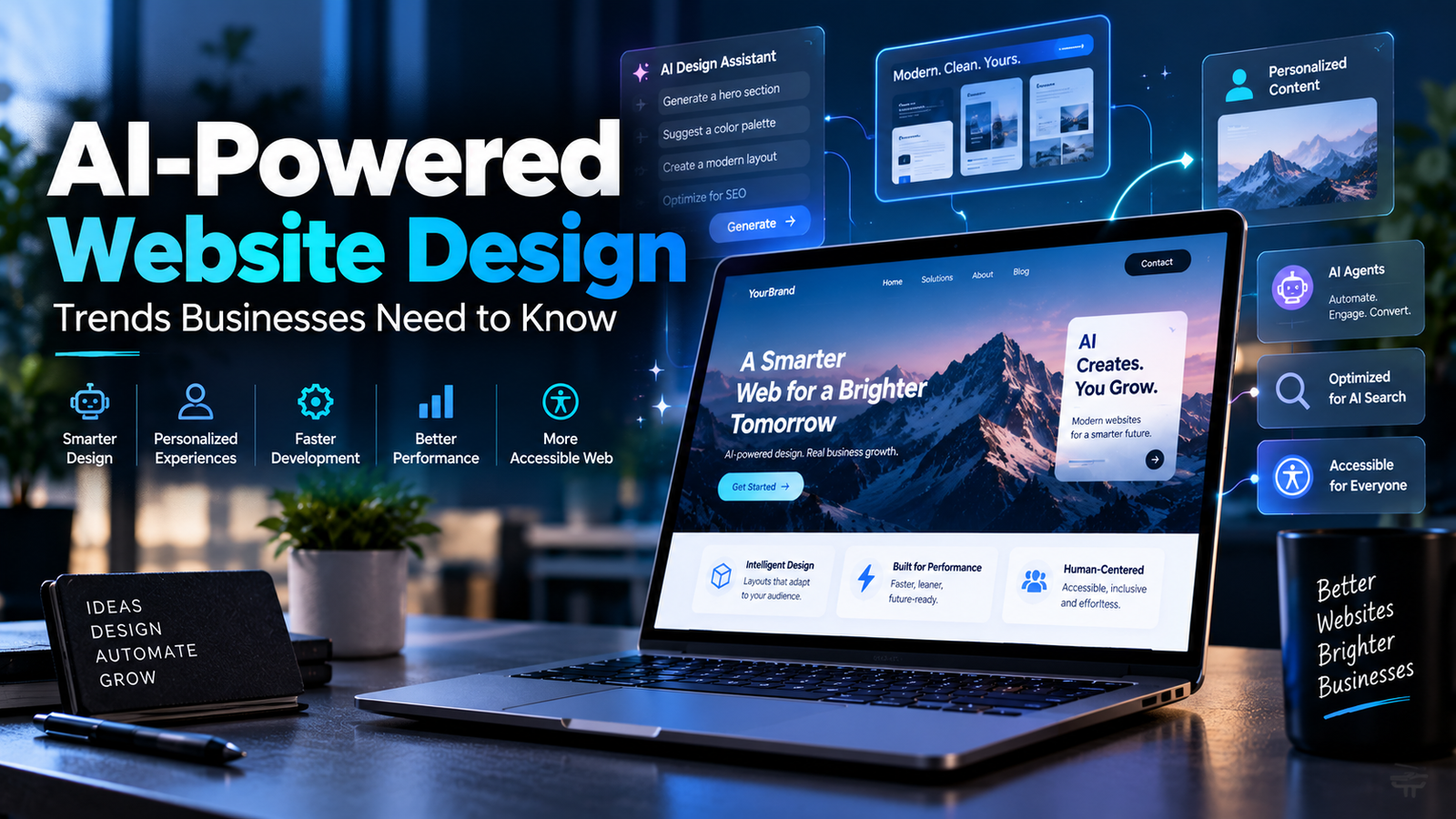
AI is changing the way businesses build websites. Earlier, creating a website meant spending weeks on design ideas, writing content, coding pages, and testing everything manually. Today, AI can help with many of these tasks in less time.
For example, a small business owner can describe their company, target audience, and services to an AI tool. The tool can suggest a homepage layout, write a first draft of website content, and even create basic design ideas. This helps teams start faster.
But AI does not mean that businesses can build a great website without human input. A website still needs clear messaging, good user experience, strong SEO, fast loading speed, accessibility, and a brand style that people trust.
In 2026, businesses need to understand how AI can improve their website without making it look generic or confusing. This article explains the biggest AI website design trends in simple language, with examples of how they can help real businesses.
What Is AI-Powered Website Design?
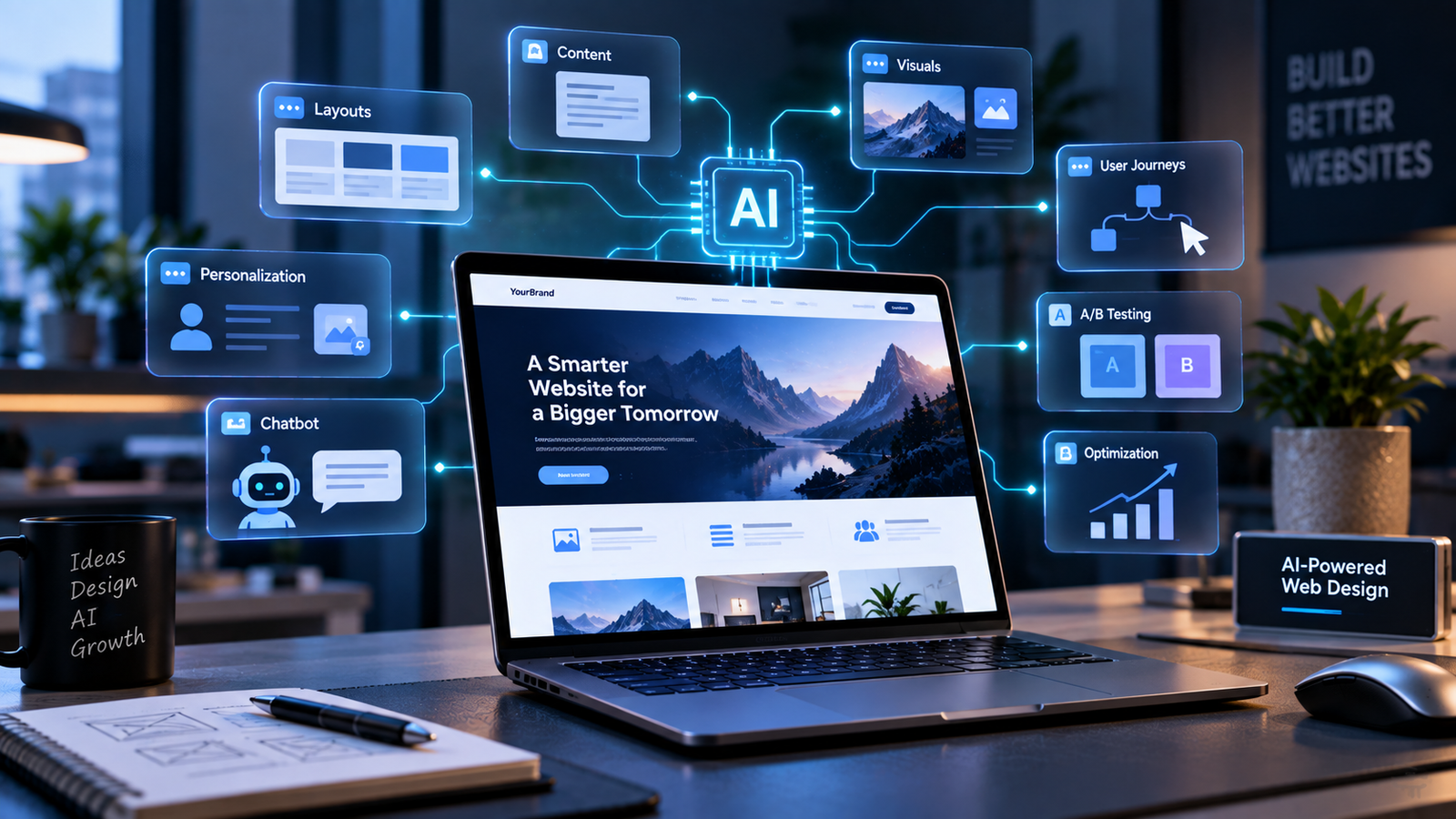
AI-powered website design means using artificial intelligence to help create, improve, and manage a website.
AI can help with many website tasks, such as:
- Creating page layouts
- Writing website content
- Designing images and visual ideas
- Suggesting better user journeys
- Improving call-to-action buttons
- Showing personalised content
- Answering customer questions through chatbots
- Testing different versions of a page
In simple words, AI helps businesses build websites faster and make them more useful for visitors.
There are three main types of website design today.
| Website Design Type | How It Works | Example | Best For | Important Note |
| Traditional Website Design | People handle every part of the website. A designer creates the layout, a writer prepares the content, and a developer codes the website. | A real estate company spends weeks planning the homepage, writing property descriptions, choosing images, and building enquiry forms. | Businesses that need full custom control and detailed brand work. | It can produce high-quality websites, but usually takes more time and money. |
| AI-Assisted Website Design | People use AI as a helper for selected tasks, but humans make the final decisions. | A designer uses AI for homepage ideas, a writer creates a first draft of a service page, and a developer uses AI to speed up coding. | Businesses that want faster website development without losing brand control. | The team must review and improve all AI work before publishing. |
| AI-Generated Website Design | AI creates a large part of the website from a written prompt. | A business type: “Create a clean dental clinic website in Delhi with services, doctor profiles, reviews, and appointment booking.” | Quick prototypes, temporary landing pages, and early website ideas. | AI can create a basic website quickly, but businesses should review usability, content, SEO, and branding before going live. |
5 AI-Powered Website Design Trends Businesses Need to Know
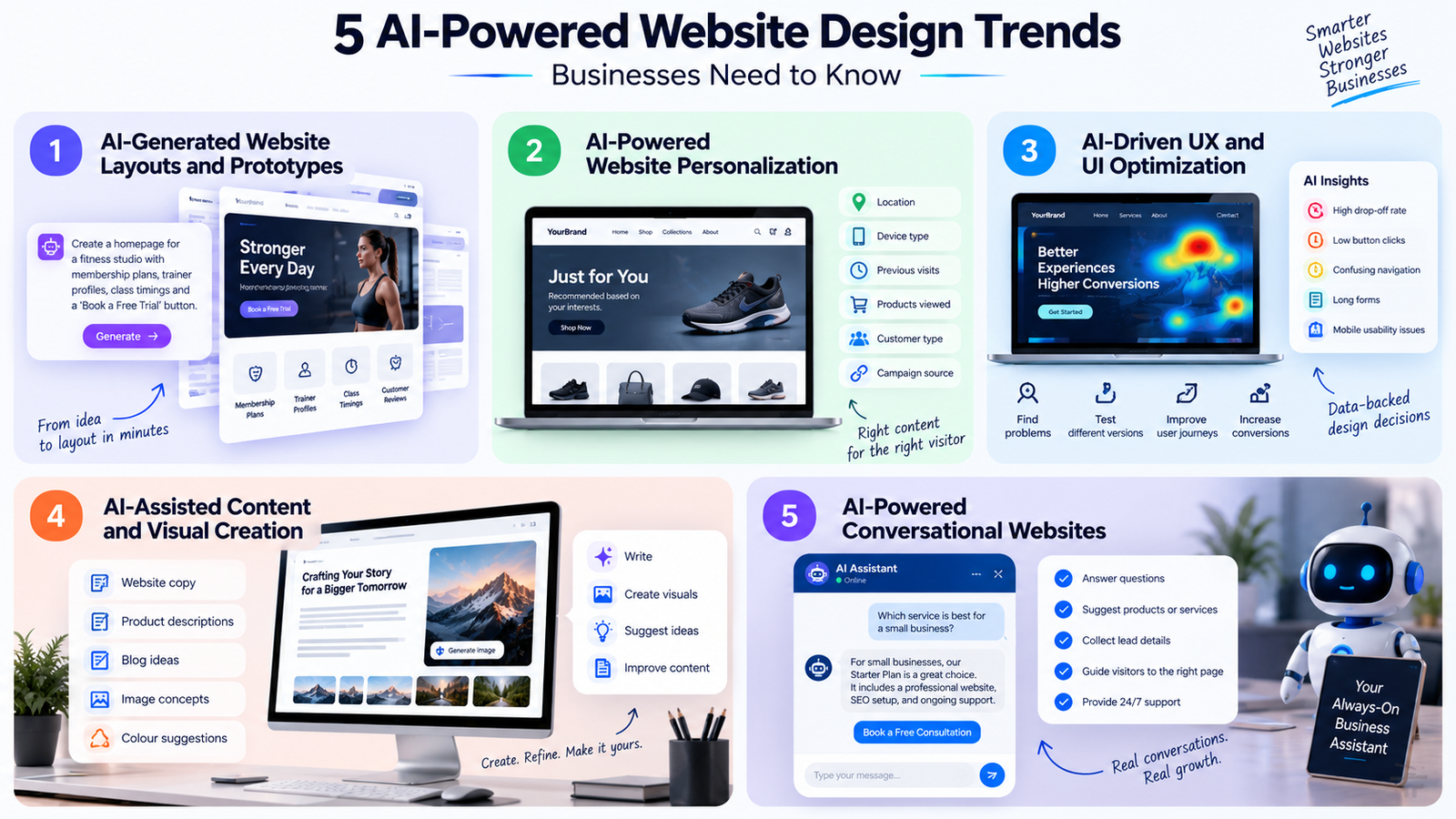
1. AI-Generated Website Layouts and Prototypes
AI can now create website layouts from simple instructions. Instead of starting with a blank screen, businesses can describe what they need and get a ready starting point.
For example, a fitness studio may ask AI to create a homepage with:
- A strong headline
- Membership plans
- Trainer profiles
- Class timings
- Customer reviews
- A “Book a Free Trial” button
The AI can create a rough page structure in minutes. Designers can then improve the colours, fonts, images, and layout based on the company’s brand.
This trend is helpful because businesses can test more ideas before choosing one. A company can create different landing pages for different services and see which page gets more leads.
However, AI-generated layouts should not be published without review. A human designer must make sure the website is easy to use on mobile, looks professional, and matches the brand.
2. AI-Powered Website Personalization
Website personalisation means showing different content to different visitors based on their needs or behaviour.
For example, imagine an online clothing store. A visitor who has searched for men’s shoes can see shoe recommendations when they return. Another visitor who is browsing women’s fashion can see a different homepage section.
AI can personalise websites based on:
- Location
- Device type
- Previous website visits
- Products viewed
- Customer type
- Marketing campaign source
A business can also show different content to new visitors and existing customers. For example, a software company may show a free demo offer to a new visitor but show upgrade options to an existing customer.
Personalisation can make the customer journey faster and more useful. Visitors see information that is more relevant to them instead of searching through many pages. Businesses should use personalisation carefully. Do not collect unnecessary user data. Be clear about cookie use and always protect customer privacy.
3. AI-Driven UX and UI Optimization
UX means user experience. UI means user interface. In simple terms, UX is how easy a website feels to use, and UI is how the website looks and works.
AI can study how visitors use a website. It can help businesses find problems such as:
- Visitors leaving a page too quickly
- People not clicking an important button
- Confusing navigation menus
- Long forms that users do not complete
- Mobile pages that are difficult to use
For example, an AI tool may find that many users visit a product page but do not click “Add to Cart.” The business can then test a clearer product description, better images, or a more visible button.
AI can also help test different page versions. One page may have a red button, while another has a blue button. One page may have a short form, while another has a longer form. Businesses can compare the results and choose the better option.
Still, numbers alone do not tell the full story. A human UX expert should check whether the website is simple, trustworthy, and helpful for real users.
4. AI-Assisted Content and Visual Creation
Writing content for a website takes time. AI can help businesses create first drafts of website copy, product descriptions, service pages, blog outlines, headlines, and calls to action.
For example, a travel company can use AI to create a first draft for a page about “Best Family Holidays in Himachal Pradesh.” A human writer can then add real travel knowledge, updated details, original tips, and the company’s own voice.
AI can also help create visual ideas. It can suggest image concepts, colour combinations, banner designs, and product visual styles.
This is useful for businesses that update their websites regularly. An e-commerce store with hundreds of products can use AI to prepare product-description drafts. A digital agency can use AI to create multiple headline options for a landing page.
But AI content should always be checked before publishing. It can make mistakes, use generic language, or write information that is not correct. Add real examples, expert insight, customer stories, and useful details to make the content valuable.
5. AI-Powered Conversational Websites
AI-powered conversational websites allow visitors to ask questions in normal language and get quick answers.
For example, instead of searching through a website, a visitor can ask:
- “Which service is best for a small business?”
- “Do you provide website design in Mumbai?”
- “What is included in your monthly plan?”
- “Can I book a free consultation?”
An AI chatbot can answer these questions at any time of day. It can also suggest products, explain services, collect lead details, and guide visitors to the right page.
For example, a website design agency can use a chatbot to ask a visitor about their business type, budget, and website goals. Based on the answers, it can recommend the right service and help the visitor book a call.
This can improve customer support and help businesses collect better-quality leads.
However, the chatbot must be trained with correct and updated information. If it does not know an answer, it should guide the visitor to a human team member instead of giving false information.
Should Businesses Invest in AI-Powered Website Design?
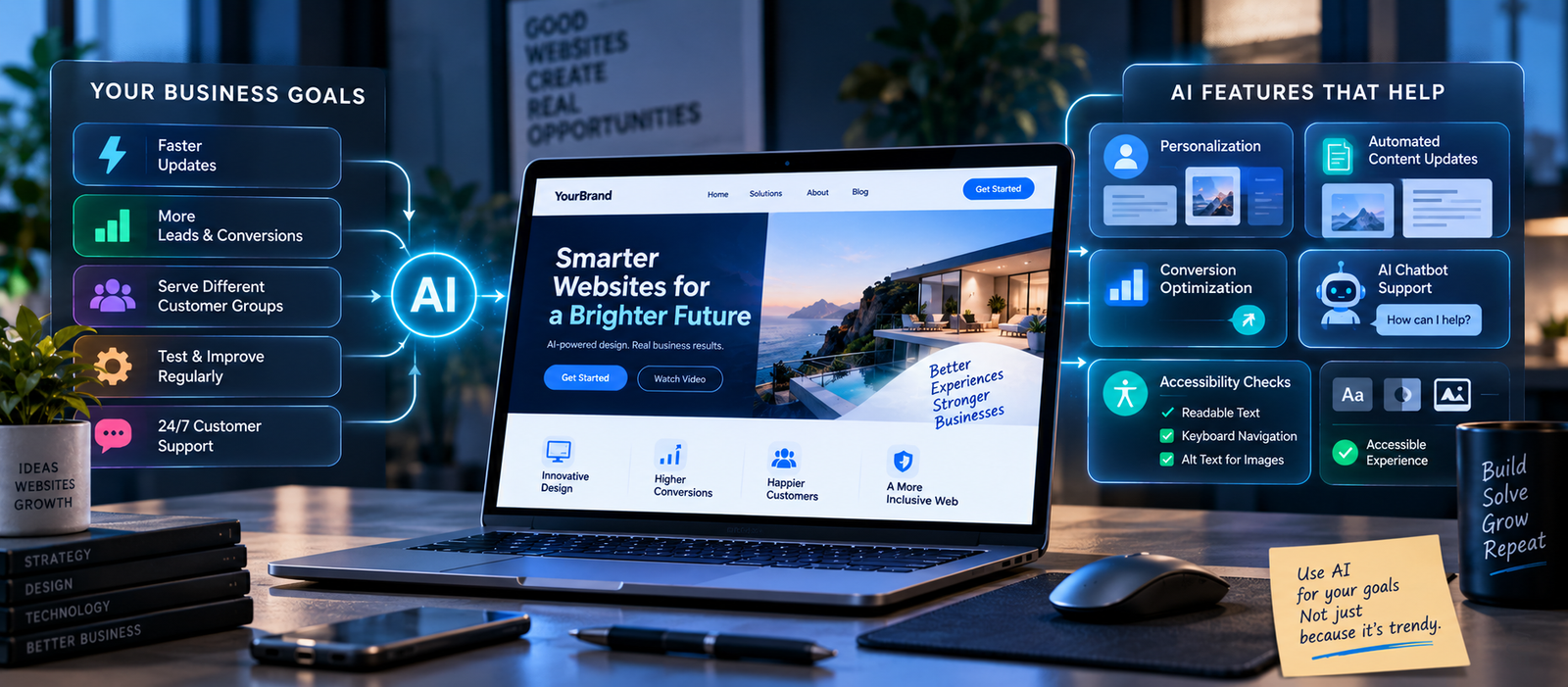
Yes, businesses should consider AI-powered website design if they want to work faster, update content regularly, improve customer experience, or create more personalized website journeys.
AI is especially helpful if your business:
- Needs frequent website updates
- Has many products or services
- Wants to improve leads and conversions
- Serves different customer groups
- Wants to test website pages regularly
- Needs customer support outside working hours
The best AI-powered website design service should help solve a real business problem. For example, it may help you reduce website development time, improve lead generation, create better landing pages, or make content updates easier.
Do not add AI only because it is popular. First, decide what you want your website to achieve. Then use AI features that support that goal.
Also, make sure your website stays accessible for all users. AI tools can help identify some issues, but businesses should still follow recognised WCAG accessibility guidelines.
Final Takeaway
AI is making website design faster, smarter, and more flexible. It can help businesses create layouts, write content, personalise pages, improve user experience, and support customers through chatbots.
But AI alone cannot create a successful website. A good website still needs human strategy, clear messaging, strong SEO, simple navigation, accessibility, and trust.
The best approach is to use AI as a smart assistant, not a replacement for human thinking. Businesses that combine AI with strong design, SEO, UX, and customer understanding will be better prepared for the future of website design.