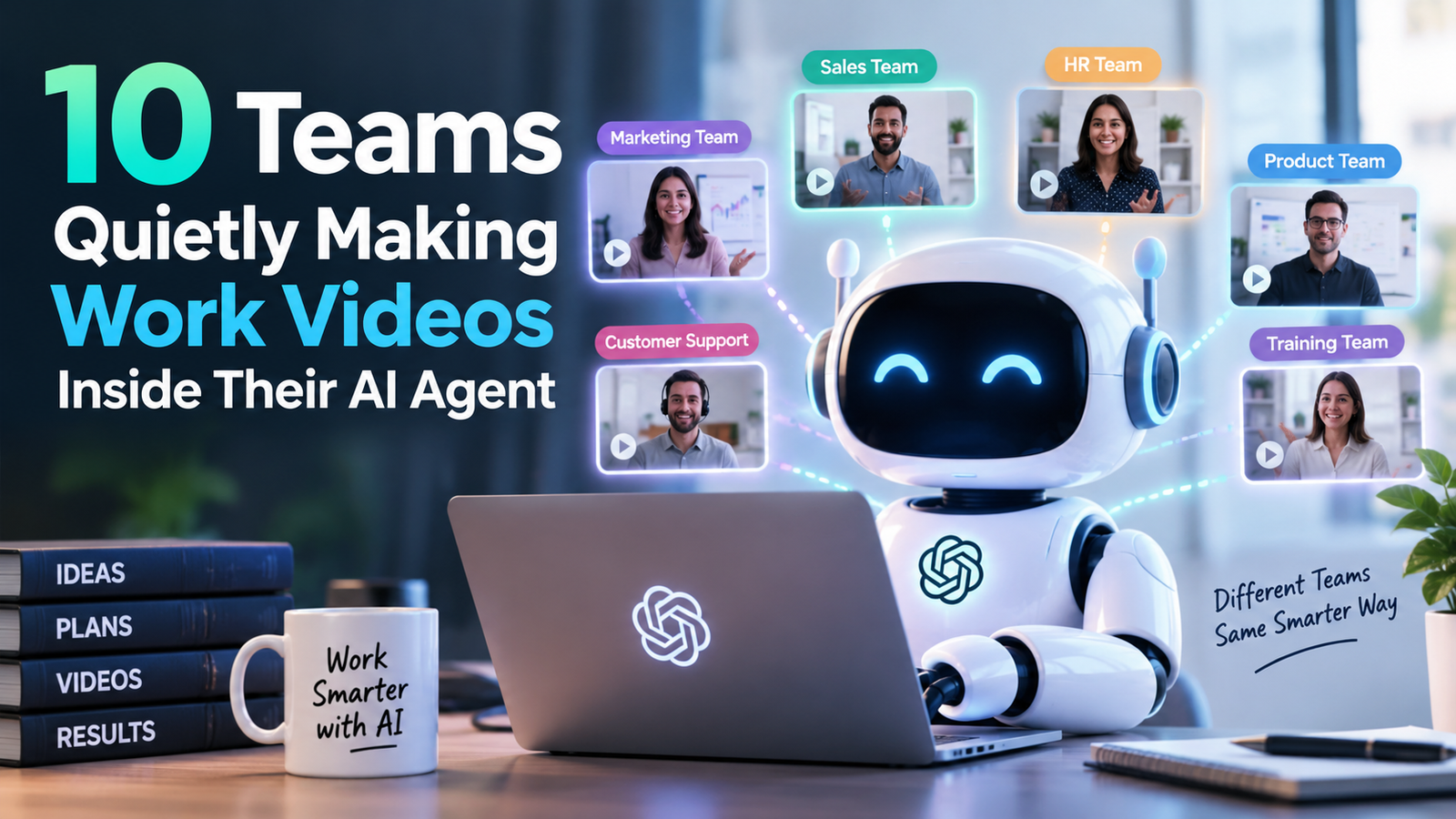
10 Teams Quietly Making Work Videos Inside Their AI Agent
- 1 10 Teams Quietly Creating Work Videos Inside Their AI Agents
- 1.1 Software and product teams
- 1.2 Construction and AEC
- 1.3 Ecommerce and catalogue ops
- 1.4 SaaS customer education
- 1.5 IT and internal systems
- 1.6 Manufacturing product documentation
- 1.7 Logistics and warehouse ops
- 1.8 Customer support enablement
- 1.9 Agencies running several accounts
- 1.10 Hardware and electronics
- 2 The takeaway
It does not always take a product launch to signal a shift. Some of the quieter changes in how companies explain work are happening in the same tools developers already use all day. Chatbots and image models get the headlines. Meanwhile, briefs, SKU notes, and “do not invent a second lid” comments sit in Codex, Cursor, or Claude Code — and then someone pastes them into a blank video homepage.
An AI video plugin is how that handoff gets shorter. The agent keeps intent. A canvas holds stills, takes, and campaign pieces so chat history is not treated as the studio. It is not a talking-head LMS, and it is not a replacement for a certified safety instructor. It is a workspace for teams whose source of truth is already a still, a screenshot, or a thread.
These are ten places that pattern shows up, one quiet rollout at a time.
Software and product teams
Internal tools change every sprint. Recording a new walkthrough in Premiere for every settings panel is how enablement falls behind the release. Product managers already describe the change in the agent. A plugin lets that same conversation attach a screenshot, ask for a 20-second clip, and keep the UI still locked for the next shot.
The clip is orientation: where the button moved, what the empty state looks like. It is not a substitute for a staging environment or a bug report.
Construction and AEC
Tech Behind It readers already know collaboration on drawings is a software problem. The visual problem is related. A massing still or a site photo has to become something a client can watch when they will not read a sheet set. Crews do not need a cinematic. They need the facade, the approach, and a list of what must not appear.
AI video from approved stills can fill that gap. It cannot replace a toolbox talk, a licensed inspector, or a film of an actual defect. Those remain evidence.
Ecommerce and catalogue ops
A few hundred SKUs need more than one photoshoot. Marketplace crop, extra angle, short motion, seasonal background — the library never catches up. Teams that already write listing copy in an agent can attach the packshot and ask for a set of short spots instead of rebuilding the brief in a second login.
Human review of labels and proportions still sits in front of publish. Generated motion is not proof of a hinge.
SaaS customer education
Help-center articles explain the click path. A short clip from the same screenshots is often what support actually sends. The agent already has the ticket context. The plugin’s job is to keep that context attached to the stills.
If the video must be a named presenter in twenty languages, that is a different category — avatar suites built for L&D. Do not buy a production plugin expecting SCORM and a digital host.
IT and internal systems
New CRM fields, a VPN client, a password manager rollout: the trainer is usually a slide deck and a tired standup. IT already lives in tickets and agents. A short clip from the real UI, generated next to the brief, is easier to replay than a one-off Zoom.
Do not use it for access-control theatre. Show the screen. Keep secrets out of the prompt.
Manufacturing product documentation
Factories still train on the floor for anything that can injure someone. Where AI video is actually useful is the product itself: how the finished part should look, which colourway is which, which accessory belongs in the box. Those are catalogue problems, not OSHA modules.
If the procedure is lockout-tagout, film it or use a compliance stack built for that job. A plugin will not carry an audit.
Logistics and warehouse ops
Route cards and package-handling stills age fast. A personalized avatar reading policy is one approach.
Another is simpler: the still of this tote, this label, this scanner, turned into a short orientation clip the agent can regenerate when the SKU changes.
Just-in-time review on a phone is the point. Invented machinery in the background is the failure mode. Lock the reference.
Customer support enablement
Macros are text. Escalations often need “show me.” Support leads already draft the answer in an agent. Attaching a product photo and asking for a 15-second vertical beat is closer to how people actually explain a return, a fit, or a missing part.
It will not replace a real customer recording when the policy requires one.
Agencies running several accounts
Agencies do not lack generators. They lack a place where the brand kit stays attached while the model changes. A plugin that the account team can call from the same agent that wrote the brief reduces the ZIP-and-slack loop.
Keep one SKU per pass. Two colourways in one folder is how logos drift.
Hardware and electronics
Unboxings and UI motion still get shot. The quiet extra work is the in-between: a 15–30 second proof from the approved device still, for a listing or a deck, without booking a tabletop day. When that beat needs a longer multimodal clip with several references, the generation lane can be Seedance 2.5 — typically about 4–30 seconds at 1080p-class export, not a native 4K claim. The plugin stays the handoff. The model stays the engine.
The takeaway
The teams using agent-side video are not always the ones buying avatar training platforms, and that is the point. Some work is a presenter reading a policy. Some work is a still that has to stay honest while it moves. For the second job, the useful object is a plugin inside the agent the company already types into.
Install it. Attach the kit. Review the object before the lighting. The results do not need a press release. They need a clip that still looks like the thing you sell.