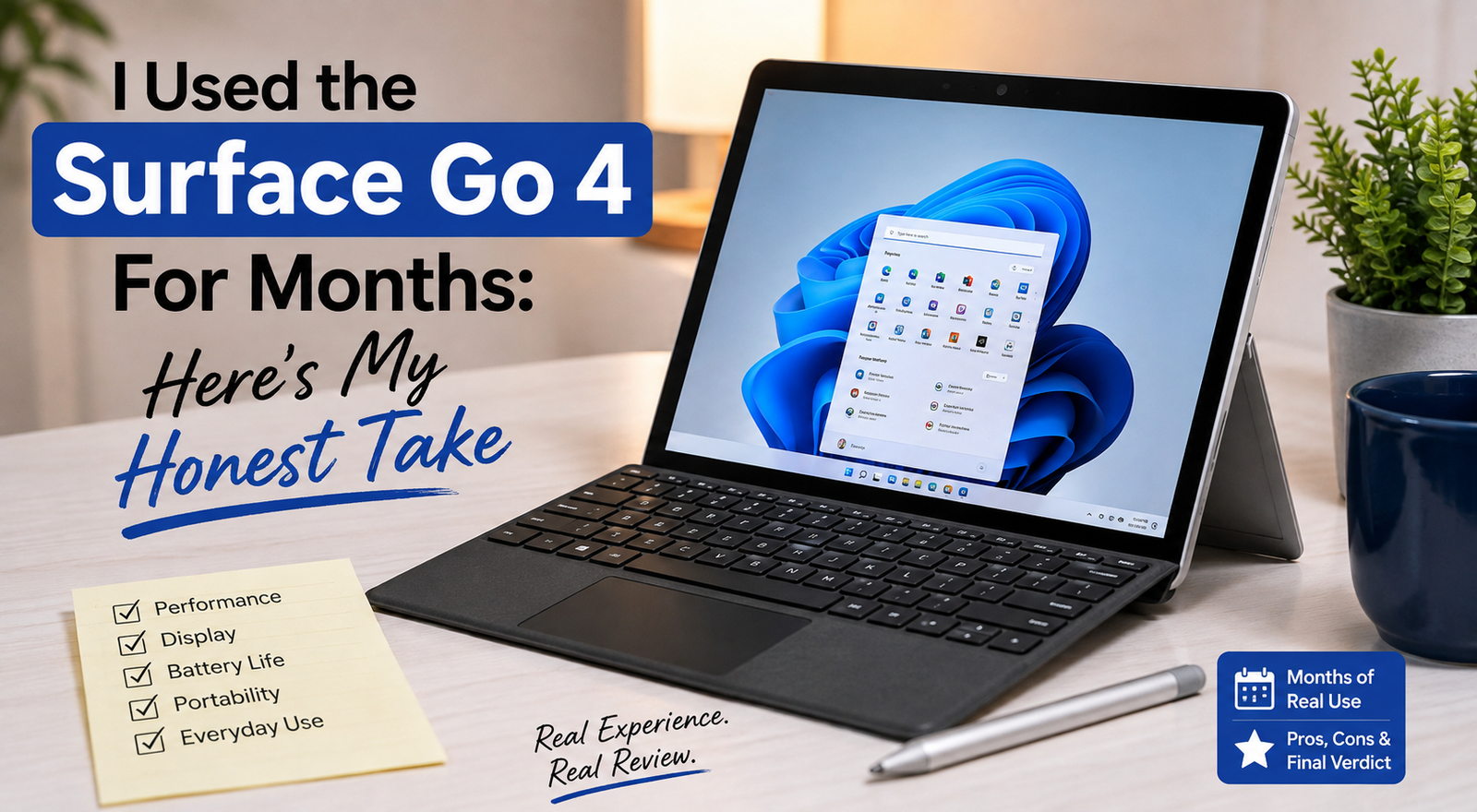
I Used the Surface Go 4 For Months: Here’s My Honest Take
- Rating: 6.5 / 10
- Best for: Business users, students, and light-task users who require a suitable Windows OS in a pocketable device.
- Not recommended for: Creatives, power users, gamers, or those looking for iPad-type performance at this price.
When Microsoft released the Surface Go 4, I was actually just curious — not excited, but curious. After watching the Go line slowly get small upgrades over the years, I wondered if the switch to Intel N200 and bump to 8 GB RAM standard would make this a true productivity tool. I compared it to the iPad (10th gen) and the Samsung Galaxy Tab S9 FE, which cost about the same. The catch? The Surface Go 4 is really great for one specific type of user — but it’s disappointing for pretty much everybody else.
Specifications of Surface Go 4
| Specification | Details |
| Display | 10.5-inch PixelSense, 1920×1280 (220 PPI), 3:2 aspect ratio, Gorilla Glass 3, 350 nits |
| Processor | Intel Processor N200 (4 cores, up to 3.7 GHz, 6W TDP) |
| RAM | 8 GB LPDDR5 (non-upgradeable) |
| Storage | 64 GB / 128 GB / 256 GB UFS 3.1 (expandable via MicroSDXC) |
| GPU | Intel UHD Graphics Xe (32 EU) |
| Battery | 29 Wh, rated up to 12.5 hours (real-world: 5–7 hours) |
| Operating System | The Windows 11 Pro operating system, which is identical to Windows 10 Pro on certain SKUs. |
| Weight | 521 g (1.15 lb) — tablet only |
| Dimensions | 245 × 175 × 8.3 mm |
| Ports | 1× USB-C 3.1, 1× Surface Connect, 3.5mm headphone jack, MicroSDXC slot |
| Connectivity | Wi-Fi 6, Bluetooth 5.1, NFC (no 5G option) |
| Webcam | 5 MP front (1080p, Windows Hello), 8 MP rear (1080p) |
| Security | The IR camera enabled facial recognition and also provides dTPM 2.0. |
| Base price | $579 (64 GB) — Type Cover sold separately (~$100–$130) |
Design & Build Quality
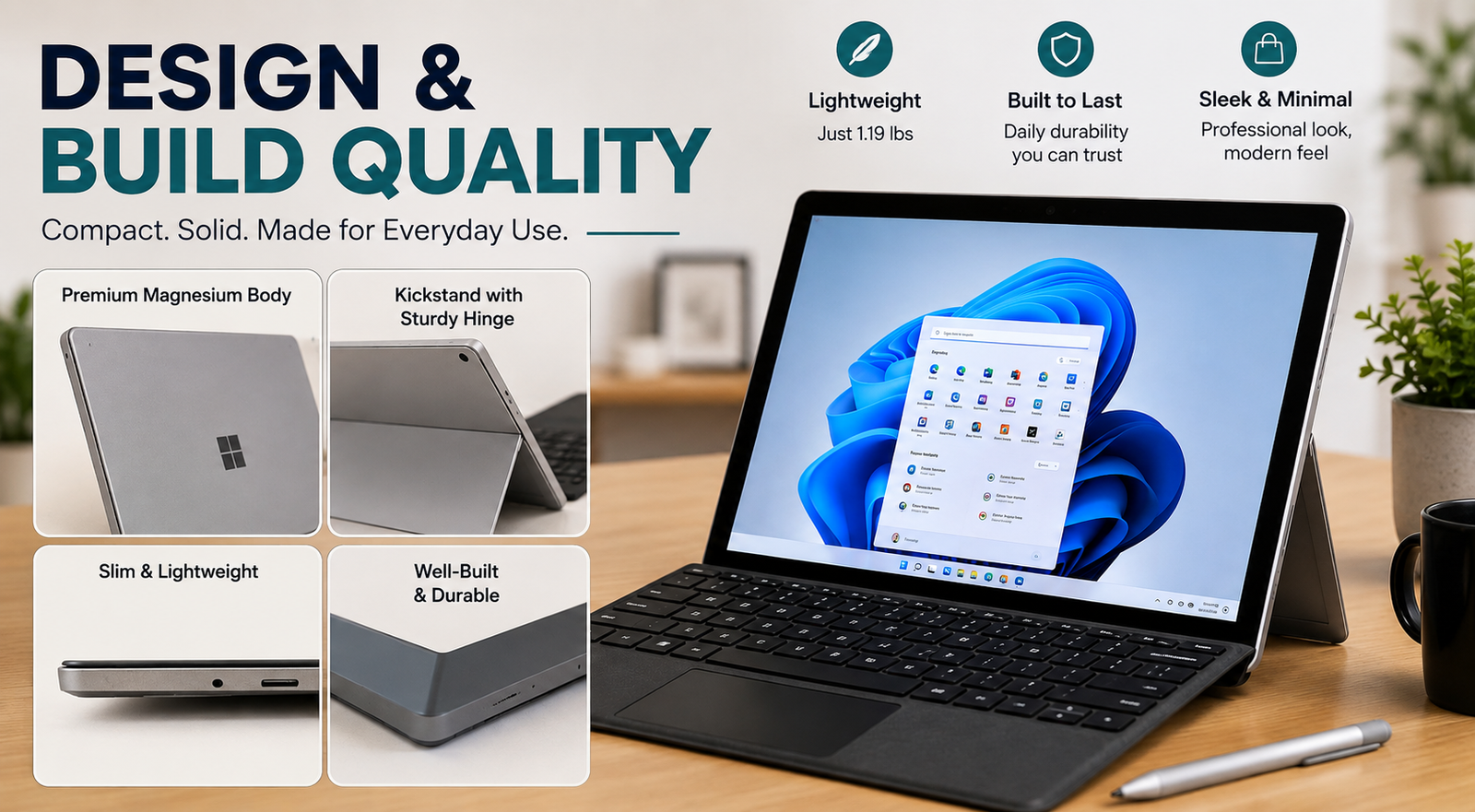
First thing you notice when holding it is the high-quality magnesium alloy casing, which obviously is where your money went, as Surface hardware usually comes with such a finish. Besides, it is always cool to the touch, without any bending, and, anyway, the any-angle kickstand still gives such a nice satisfaction when you open it with a snap. At 521g, it is light enough to be held with one hand for reading. However, in 2026, these bezels are quite apparent. They are thick black borders that almost seem like a throwback to the 2018 design language.
The single USB-C port really turns out to be a daily problem in the real world. Besides, the box does not contain accessories either; the keyboard is at a separate price.
Display
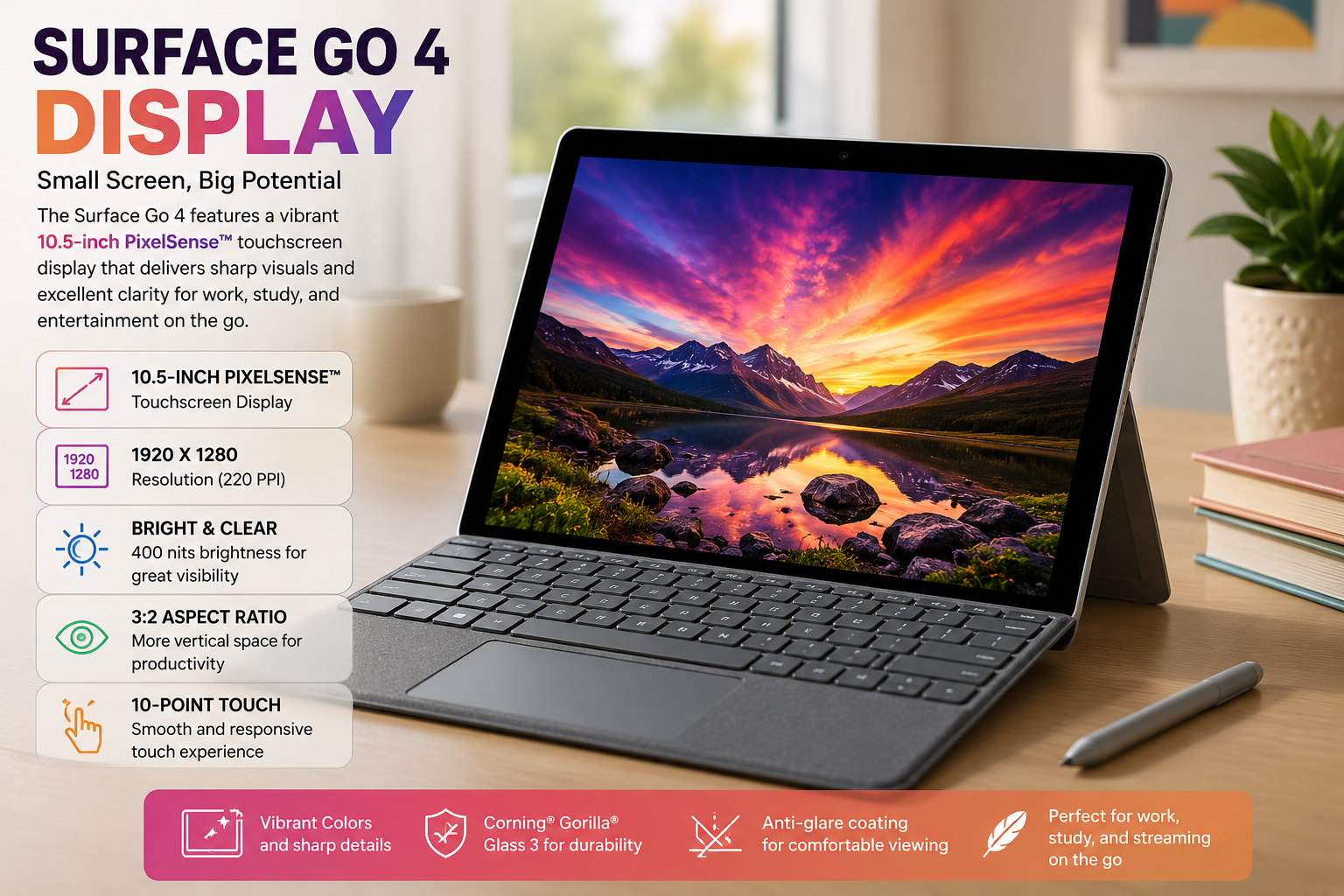
The main highlight here is one of the great features of the 10.5-inch PixelSense panel. The resolution is 1920×1280, and the aspect ratio is 3:2, which creates a very sharp screen and is fairly nice to read. Moreover, a 16:9 screen does not have as much vertical space as it needs to be useful for document work and Internet browsing. The color coverage is very good, with about 93% of the sRGB gamut covered and 74% of the DCI-P3. The color gamut is fairly good, holding about 93% of the sRGB gamut and 74% of the DCI-P3.
The big problem is brightness; 350 nits is more or less comfortable in the house, but it’s going to be quite a hassle when you venture outdoors or just sit next to a window. The touch response is very good, and the Surface Pen is very good. In general, a good display but not an outstanding one.
Performance
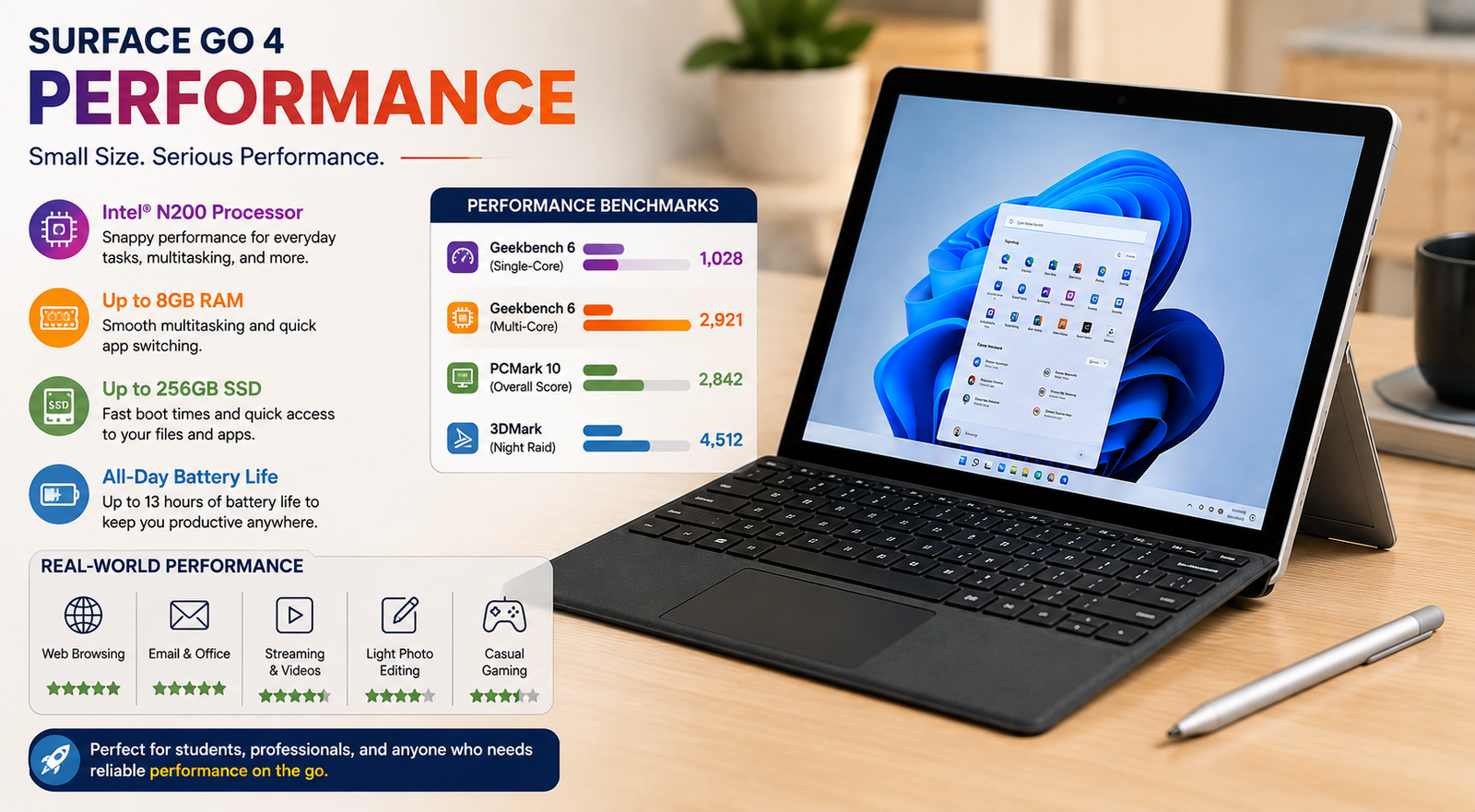
Let’s be honest. Although the Intel N200 outperforms the Pentium Gold in the Go 3 with Geekbench 6 scores of about 823 for single-core and 2,482 for multi-core, it’s only good for basic stuff. Emails, calls on Microsoft Teams, and using Word or Excel go smoothly. But open a bunch of tabs in Chrome or try heavy multitasking, and it slows way down. Its dismal Cinebench 2024 multi-core score of just 84 shows this—it can’t handle intense tasks. This is more of a sidekick device, not meant to be your main machine.
Battery life
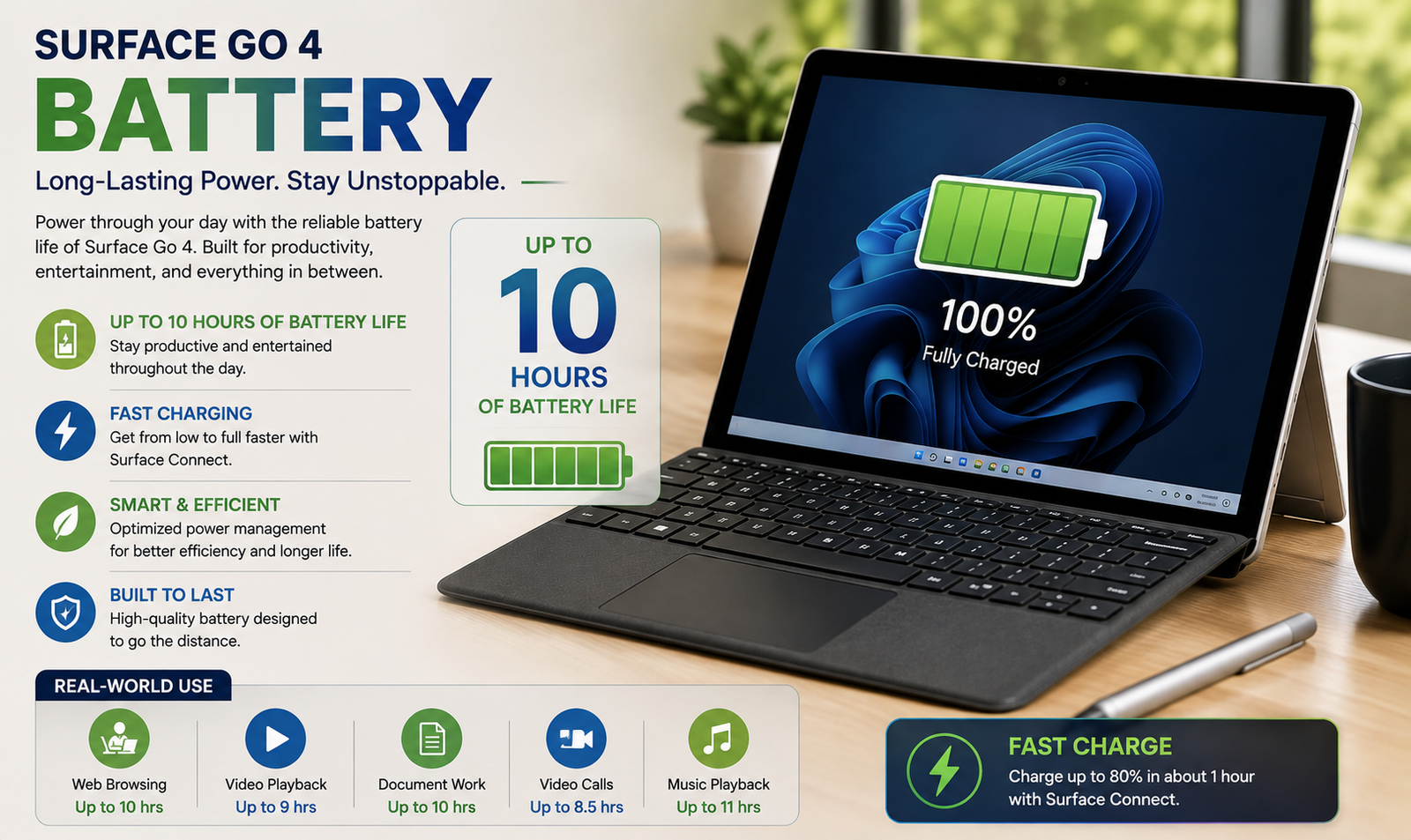
Microsoft claims 12.5 hours, yet I only managed around 5 to 6 hours on mixed tasks such as docs, calls, and web browsing with Wi-Fi and 60% brightness. It drops to about 5 hours for continuous YouTube. With its tiny 29Wh battery, you’ll likely need to bring a charger for a full workday because the 24W charging speed isn’t rapid enough by today’s standards. Just make sure to charge it overnight.
Thermal Management & Fan Noise
The Go 4 is fanless, meaning no active cooling is involved. For day-to-day tasks, this is great because the device remains nearly silent and barely gets warm. However, under continuous stress, like running Windows Update or doing long video calls, the N200 throttles to stay safe, causing noticeable speed drops.
During these intense periods, the top half of the tablet gets warm, yet it’s still comfortable to hold. It excels for light work with no issues, but you’ll need patience for anything more demanding or long-lasting.
Also Read- I Spent Weeks With the Lenovo Legion Go 2 — Here’s My Brutally Honest Take
Pros & Cons of Surface Go 4
| Pros | Cons |
| Premium magnesium body that makes the device look and feel very high-end | Battery life in use is significantly less than Microsoft’s figure |
| The 3:2 PixelSense screen is very sharp and great for reading documents | Only a single USB-C port; you will have to use adapters for almost everything |
| Full Windows 11 Pro in a very compact and pocketable form factor | The Type Cover keyboard is not included and will cost you a significant amount, thus raising the total price quite a bit |
| Thanks to the fanless design, you can hardly hear the device when just casually using it | If you push the device hard, you will notice the performance going down |
| Easy to repair since the display, battery, and motherboard can be replaced | Looks dated compared to the competition, as it does not have a 5G option, and the bezels are quite thick |
Final Verdict
The Surface Go 4 is the best Surface for use with a primary device; it’s not meant to beat it. It is great to have when you need a light load for your children to be able to use their apps or for meetings. But if you consider it from a different angle, a laptop in place of the iPad at about the same price, you might be disappointed. Use it for the purpose that it is designed for, as it is an excellent additional tool for certain applications, but not a primary work computer.