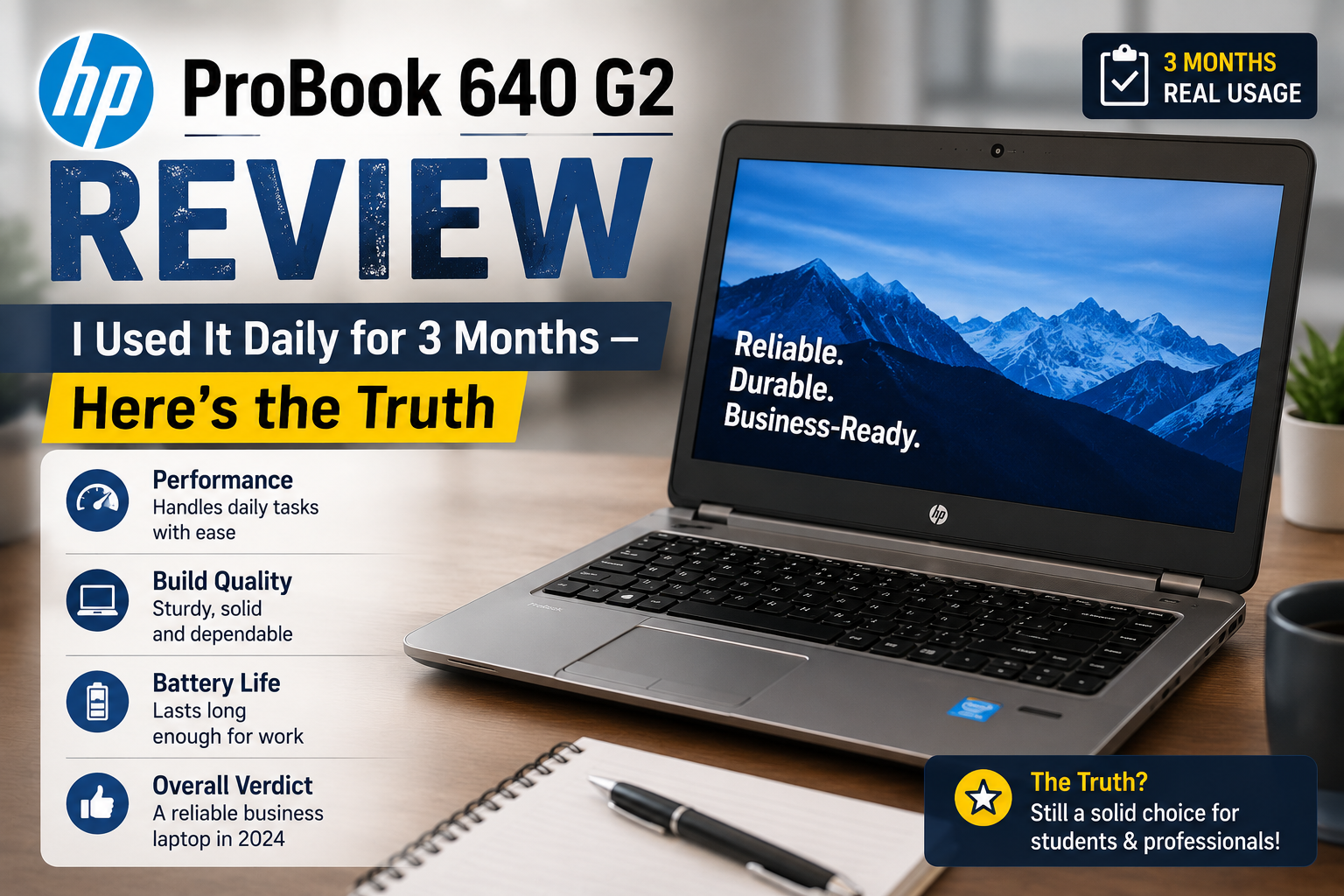
HP ProBook 640 G2 Review: I Used It Daily for 3 Months — Here’s the Truth
After seeing its low price, I decided to buy a refurbished HP ProBook 640 G2, expecting it to be a temporary device. A help for managing emails only while my main laptop was being repaired. That was three months ago. And it’s still on my working desk every morning.
It may be a 2016 MacBook, but the ProBook 640 G2 is still surprising me in many different ways. The unibody case, quick SSD boot, nice keyboard, and enough power to run a day of Office apps, video meetings, and many browser tabs without issues. The screen is mediocre, and the battery won’t wow anyone, but $100, $180 refurbished is really a steal for such a hardworking machine.
Are you considering buying the HP ProBook 640 G2 in 2026? I think it’s a good choice. Here’s why.
Quick Verdict For HP ProBook 640 G2
Overall Rating: 7.5 / 10
Perfect for: Students, remote users, and small business users who are looking for a solid, cost-effective productivity machine to work with Office, email, and light multitasking.
Not ideal for: Content creators, gamers, those who want Windows 11 natively, video editing, or a bright, colorful display.
What You’re Actually Getting
The HP ProBook 640 G2 is a 14-inch office laptop built around Intel’s 6th Generation platform. My unit came with an i5-6300U, 8GB DDR4 RAM, and a 256GB SSD — decent specs for the price. HP built this as a business machine, so durability was the priority over looks.
Specifications of HP ProBook 640 G2
| Feature | Details |
| Processor | Intel i3, i5 and i7 (6th Gen, Skylake) |
| RAM | 2 SODIMM DDR4 slots (up to 32GB) |
| Storage | 2.5″ SATA SSD/HDD or M.2 2280 PCIe NVMe |
| Display | 14″ HD (1366×768) or FHD (1920×1080), anti-glare TN |
| Graphics | Intel HD Graphics 520 |
| Ports | 2× USB 3.0, 1× USB-C, HDMI, VGA, DisplayPort, SD card, RJ-45 |
| Battery | 48Wh, 3-cell |
| Weight | 1.95 kg (4.3 lbs) |
| OS Support | Windows 10 Pro (workaround for Windows 11) is the minimum required for iCal.iCal requires Windows 10 Pro (workaround for Windows 11). |
| Military rating | MIL-STD-810G certified |
Build Quality
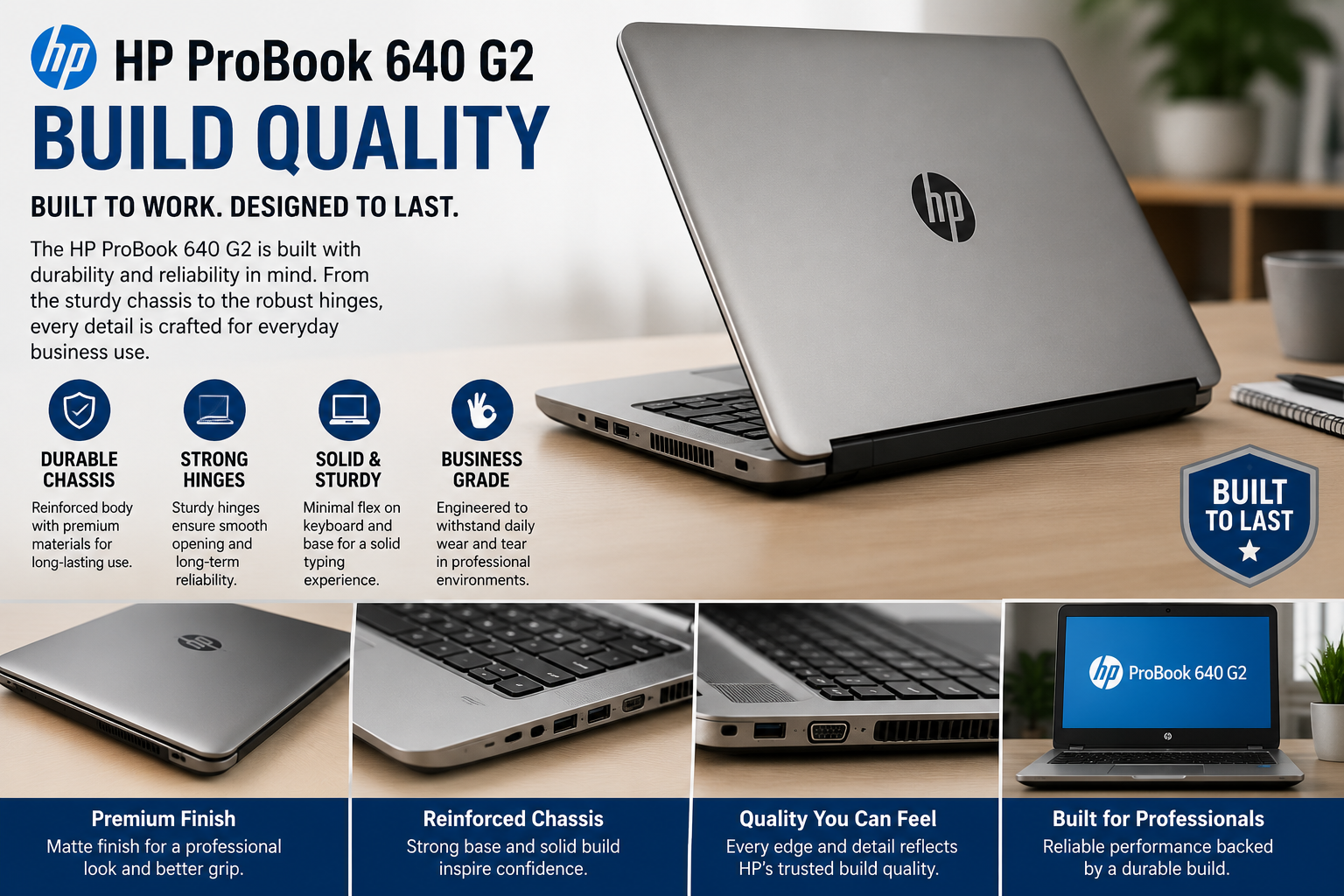
When I unpacked it, the first thing that came to mind was that it was very sturdy. No bending of parts of the body. No squeaky hinges. The matte silver finish doesn’t absorb fingerprints, and the keyboard’s travel is just enough to ensure long sessions of typing are not uncomfortable. This is for the corporate sector, where laptops can be tossed into bags, stacked on desks, and taken away on business trips.
The MIL-STD-810G certification isn’t just a marketing ploy. This computer has been tested to resist drops, dust, humidity, and extreme temperatures. With a refurbished laptop around $100, $200 is pretty rare.
The only aspect I’d hesitate to recommend is the display. I got the HD (1366×768) version, and it is rather fuzzy compared to a modern screen.
Daily Performance: Better Than It Has Any Right to Be
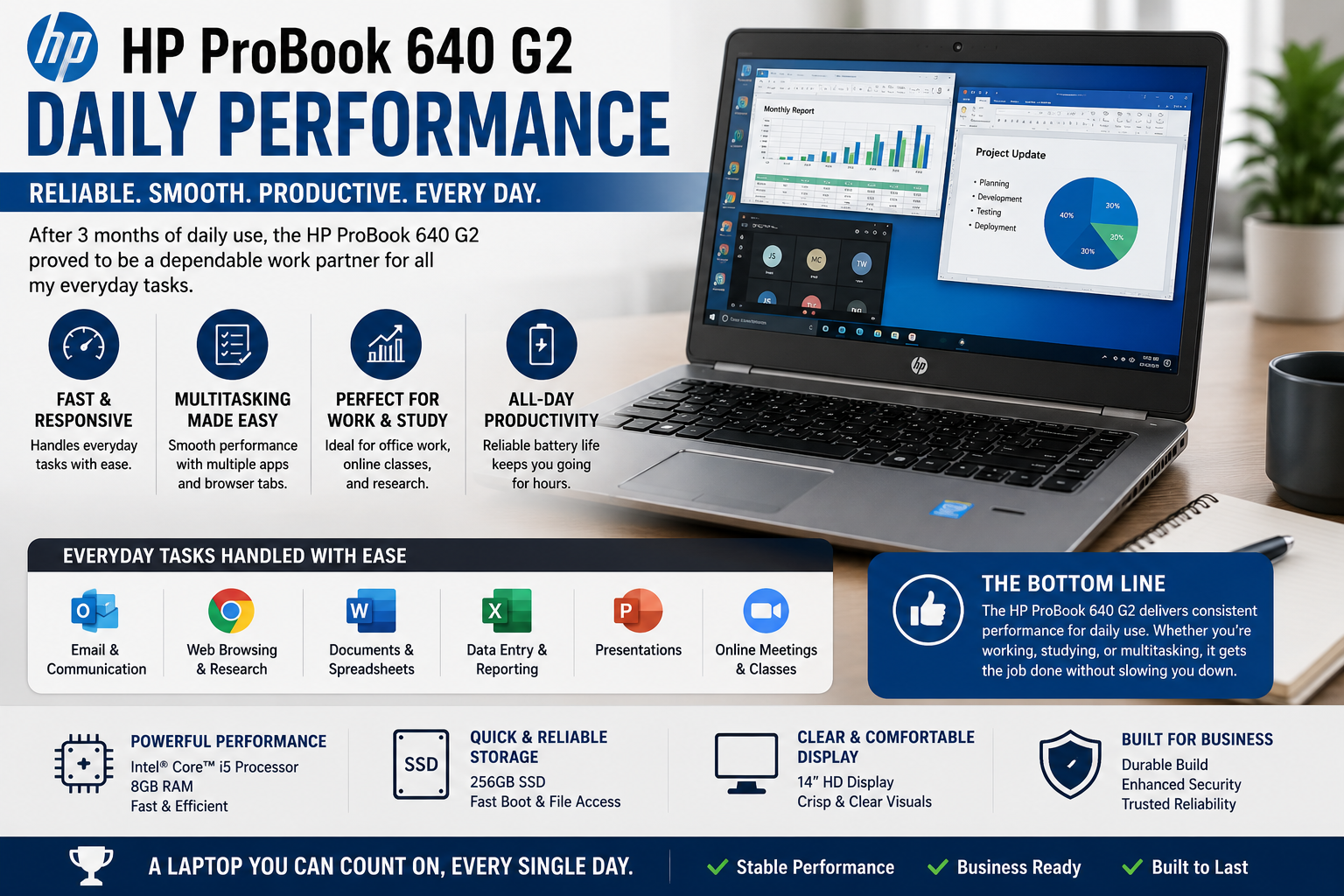
This is where it caught me off-guard. The ProBook 640 G2, running Windows 10 Pro and with 8GB of RAM and an i5-6300U, handles all work without drama. I always have 15-20 Chrome tabs open, Microsoft Word open with Excel, and Zoom going as well — and it continues to follow suit. Now there’s no dramatic slowdown, there’s no fan screaming at full blast. It just works.
SSD boot times are quick. Cold boot to desktop < 20 seconds. Applications open quickly. This machine is a bit above its weight for emailing, editing documents, spreadsheets, video conferencing, and basic web surfing.
Anything else is hard to come by. The 1080p version of YouTube works. To edit a video or run multiple virtual machines? The age of the hardware will be apparent in no time. The Intel HD Graphics 520 is not designed for anything creative, or even for anything demanding of the GPU, and that is perfectly fine — it wasn’t.
The battery life in daily usage is rated at 4 to 5 hours on Wi-Fi and at moderate screen brightness. This isn’t good for the office to the meeting, but it’s not bad by 2026 standards.
Also Read- Lenovo Legion 5 Series Review: Every Model Explained, So You Can Stop Guessing
Upgrade Guide: Where This Laptop Earns Its Price
It’s the best thing about having a ProBook 640 G2. One of the most user-upgradeable business laptops of its time.
RAM: There are 2 SODIMM slots, and officially, the RAM could be up to 32GB of DDR4-2133. For those purchasing a unit with 4GB or 8GB, an upgrade to 16GB will only cost a bit more but can make a significant difference in multitasking.
Note that this is not a choice that can be used at the same time; if an M.2 drive is installed, then it will occupy the 2.5″ drive bay physically. Select one or the other.
Windows 11: This is a popular query. The ProBook 640 G2 isn’t officially listed as compatible with Windows 11; Microsoft’s minimum requirement is an 8th Gen Intel processor or later. However, it is possible to install Windows 11 via Rufus with a registry hack, without the TPM or CPU verification. This hardware has shown me it works well. Just be aware that it is not a path that is officially supported and that it could be broken down the road due to an update.
Who Should Buy the HP ProBook 640 G2?
After three months of daily use, this is a solid pick for anyone who needs a reliable work machine without spending much. Students will find it comfortable for long typing sessions, and it handles coursework software without issues. Small business owners and remote workers running Office and browser tools will have no complaints. IT teams buying in bulk will appreciate how easy it is to maintain and repair.
Final Verdict
The HP ProBook 640 G2 is definitely not a showy computer. It doesn’t even try to be one. In fact, it’s very straightforward, a tough, well-made business laptop that fulfills its promises and costs next to nothing in the refurbished market.
At $100-$200, you’re buying a laptop with MIL-spec durability, a great keyboard, fast SSD, DDR4 RAM upgrade capability, and more than enough CPU power to handle 90% of daily computing needs. That’s a really good deal that is hard to rival.
If you start with reasonable assumptions, you’ll end up quite happy. That’s exactly what happened to me.
FAQs
Q: Is the HP ProBook 640 G2 still good in 2026?
Yes. For everyday tasks — Office, email, video calls, and web browsing — the ProBook 640 G2 remains capable and reliable, especially as a budget-friendly refurbished purchase under $200.
Q: Can the HP ProBook 640 G2 run Windows 11?
Not officially. The 6th Gen Intel processor doesn’t meet Microsoft’s minimum requirements. However, Windows 11 can be installed using the Rufus utility with a TPM/CPU bypass — though this isn’t a supported upgrade path.
Q: How much RAM can the HP ProBook 640 G2 support?
It supports up to 32GB of DDR4-2133 RAM across two SODIMM slots. Upgrading from 8GB to 16GB is the most cost-effective performance improvement you can make.
Q: What SSD fits in the HP ProBook 640 G2?
It accepts either a 2.5″ SATA SSD or an M.2 2280 PCIe NVMe drive — but not both at the same time. NVMe is faster; choose based on your budget.