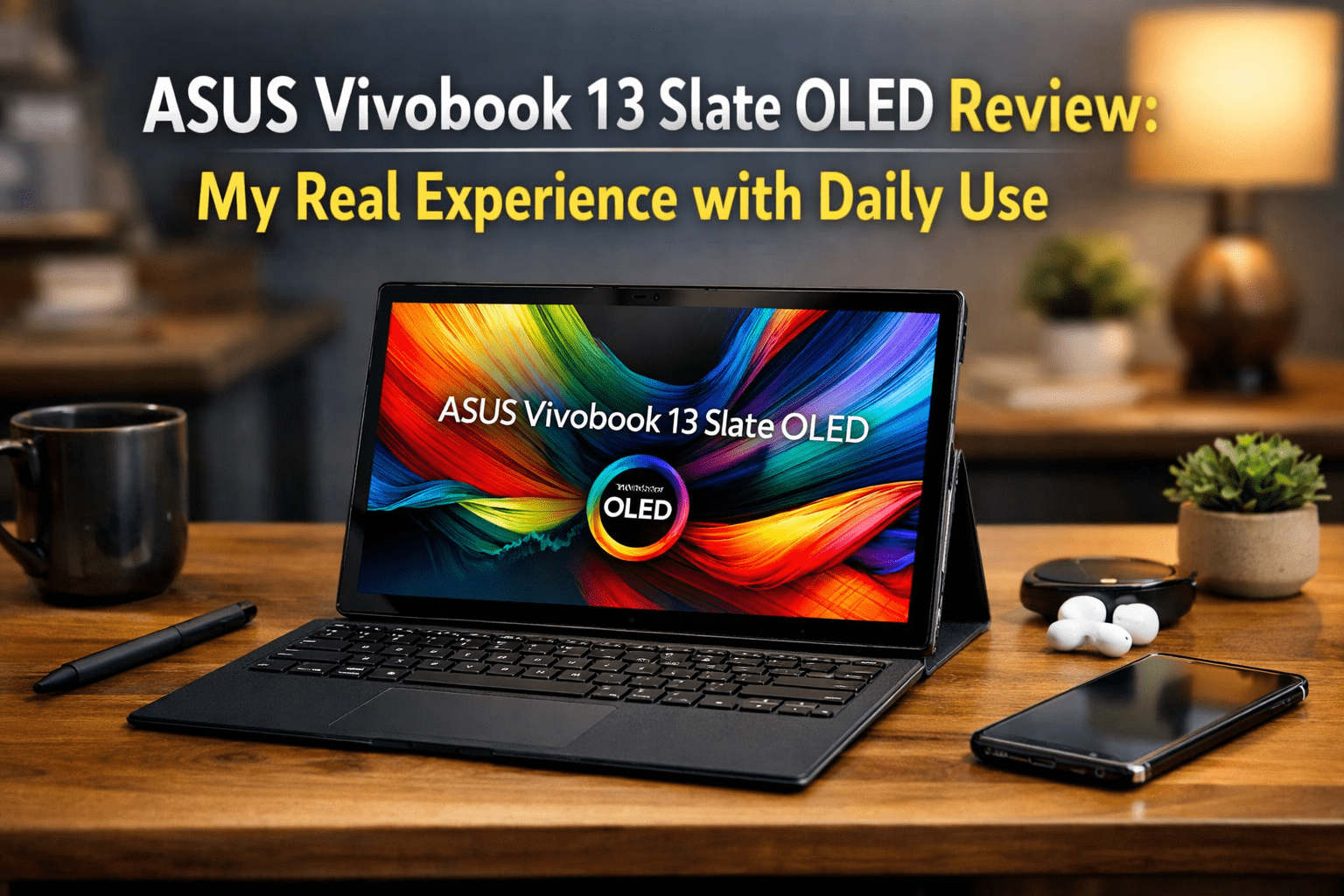
ASUS Vivobook 13 Slate OLED Review: My Real Experience with Daily Use
- 1 Quick Verdict for ASUS Vivobook 13 Slate OLED
- 1.1 Rating: 7.2 out of 10
- 1.1.1 Best for
- 1.1.2 Not suitable for
- 2 Specifications of ASUS Vivobook 13 Slate OLED
- 2.1 Design & Build
- 2.2 Performance
- 2.3 Battery
- 2.4 Keyboard & Stylus Experience
- 2.5 Real World Usage
- 2.6 Pros & Cons
- 2.7 Pricing & Value
- 3 Final Verdict
I was fed up with the heavy laptop I had to carry around. It made me slow in classes and traveling. Meanwhile, tablets were restrictive as I attempted to perform real work. This is why I chose to test the ASUS Vivobook 13 Slate OLED. I needed something light, flexible, and yet able to cope with daily tasks without frustrations.
I made it my primary study, streaming, and light work tool. I made notes, had several tabs open, watched Netflix, and did simple tasks such as documents and emails. My goal was simple. Combine my laptop and tablet into a single device. This ASUS Vivobook 13 Slate OLED review will discuss what actually worked in everyday use and where it began to feel restrictive.
Quick Verdict for ASUS Vivobook 13 Slate OLED
Rating: 7.2 out of 10
The ASUS Vivobook 13 Slate OLED is a good portable media and light work device. The OLED display is unique. When you take performance to the next level, it becomes constrained.
Best for
- Students require a light device to take notes and browse.
- Watching movies and YouTube.
- Non-expert users with simple everyday activities.
Not suitable for
- Heavy multitasking or demanding apps
- Video editing or gaming
- Users who need a full laptop replacement
Also Read:- Asus ROG 9 Pro Review: Built for Serious Mobile Gamers
Specifications of ASUS Vivobook 13 Slate OLED
| Specification | Details |
| Display | 13.3 inch OLED, Full HD 1920 x 1080, 16:9, Dolby Vision, 100% DCI P3 |
| Processor | Intel Pentium Silver N6000 |
| RAM | 4GB or 8GB LPDDR4X |
| Storage | 128GB or 256GB SSD |
| Battery | 50Wh, up to 9 to 10 hours (real use varies) |
| Weight | 0.78 kg tablet only, around 1.2 kg with keyboard |
| OS | Windows 11 Home |
| Stylus support | Yes, the ASUS Pen 2.0 is supported |
| Keyboard support | Yes, a detachable full-size keyboard is included |
Design & Build
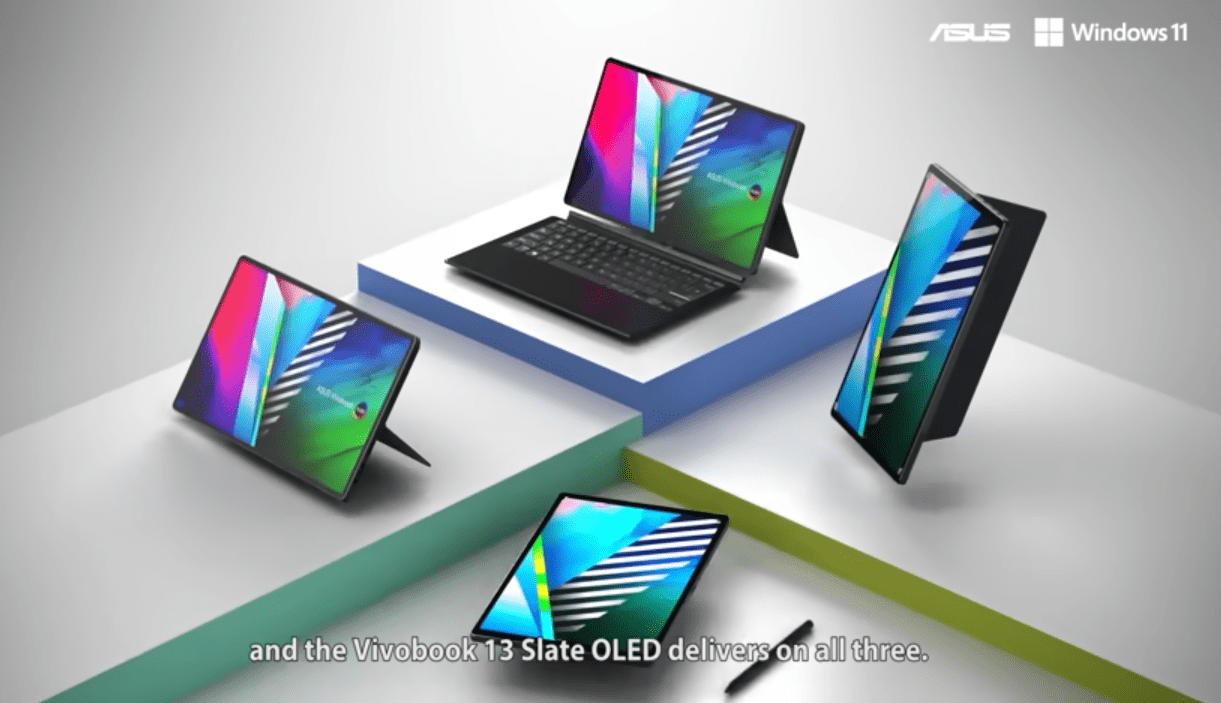
When I hold the ASUS Vivobook 13 Slate OLED, it feels more like a tablet than a laptop. It is portable and lightweight, and this was a big difference in my daily commute. The build quality is firm, and the design is simple and clean, as befits a low-end device.
It is comfortable in tablet mode, where someone can browse and watch videos. Once I connect the keyboard, it becomes a mini laptop, although typing is a little cramped during extended use.
The removable keyboard is easy to connect and is stable on a desk, which was useful when taking notes and doing light work.
Performance
The best aspect of this device is the OLED display. The colors were deep and sharp when I began watching movies and YouTube. Blacks are not gray, but black, and this is a big difference in dark scenes.
In the case of streaming, it is immersive and entertaining. The text is easy to read and browse, but I found it not the sharpest to work with long documents. The brightness is good in the house, but in the sunshine, it seems to be restricted.
Battery
In general, this display is best used in media consumption in everyday life.
In everyday life, the ASUS Vivobook 13 Slate OLED was able to cope with simple tasks such as browsing, streaming, and working on documents without significant problems. I was able to comfortably view videos, take online classes, and use basic applications.
The constraint manifested itself when I attempted to multitask. Having too many tabs open in Chrome or switching between applications resulted in a perceivable slowdown. Sometimes it was unresponsive for a couple of seconds.
Keyboard & Stylus Experience
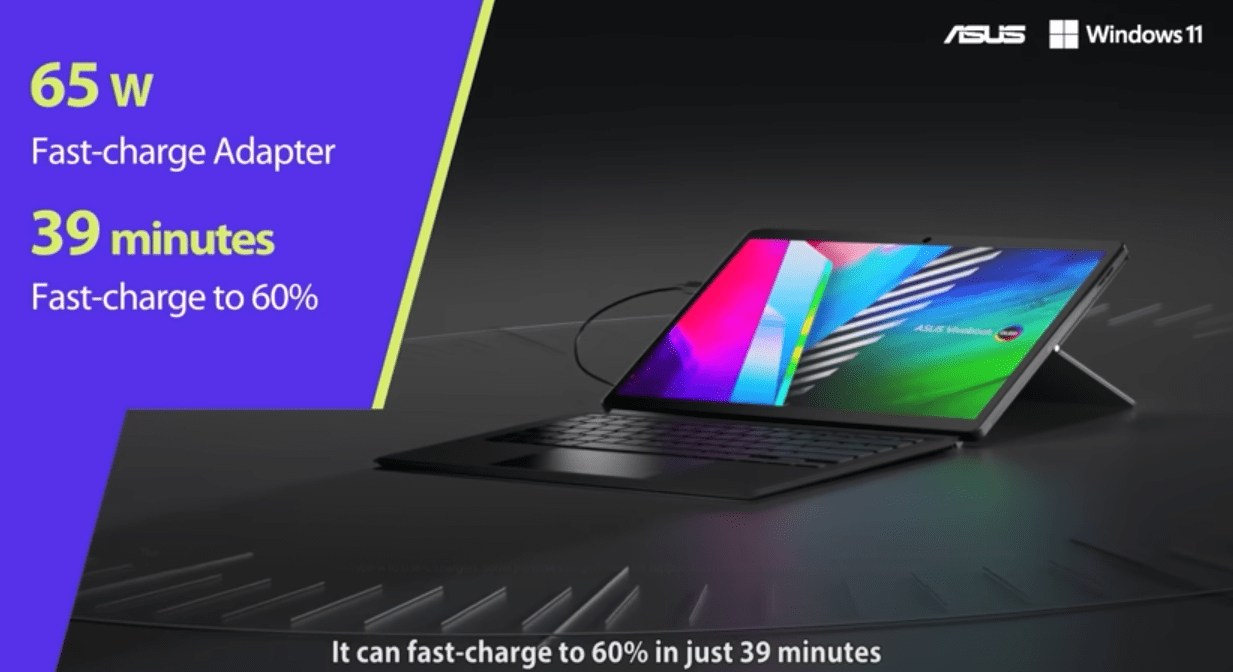
The battery had a range of about one day of light use. I typically achieved 8 to 9 hours when I was browsing, taking notes, and creating documents. The drain was quicker during streaming, and it fell to 6 to 7 hours.
One of the times I saw it was during a lengthy online lesson. It was convenient that I did not worry about charging for most of the session. However, the multitasking caused me to pick up the charger earlier than anticipated.
Real World Usage
The keyboard is comfortable to use for brief typing. The keys are small,l and I felt tired when writing longer notes or articles. It is good on a desk, but not on my lap.
The stylus comes in handy better than I thought. I applied it to make notes and simple drawings when studying. It was responsive and had little latency.
To be productive, the combination assists in light work such as taking notes and editing documents. Nevertheless, it is not a complete substitute for a conventional laptop system when it comes to intensive typing.
Pros & Cons
Pros
- Lightweight and easy to carry
- OLED display is vibrant.
- Streaming and media-friendly.
- A stylus is good for notes and sketches.
Cons
- Performance drops with multitasking
- SA’s small keyboard feels cramped for long typing
- Not suitable for heavy work or editing
- Limited brightness in outdoor use
- Basic processor limits long-term usage
- Poor outdoor brightness.
- Simple processor constrains long term usage.
Pricing & Value
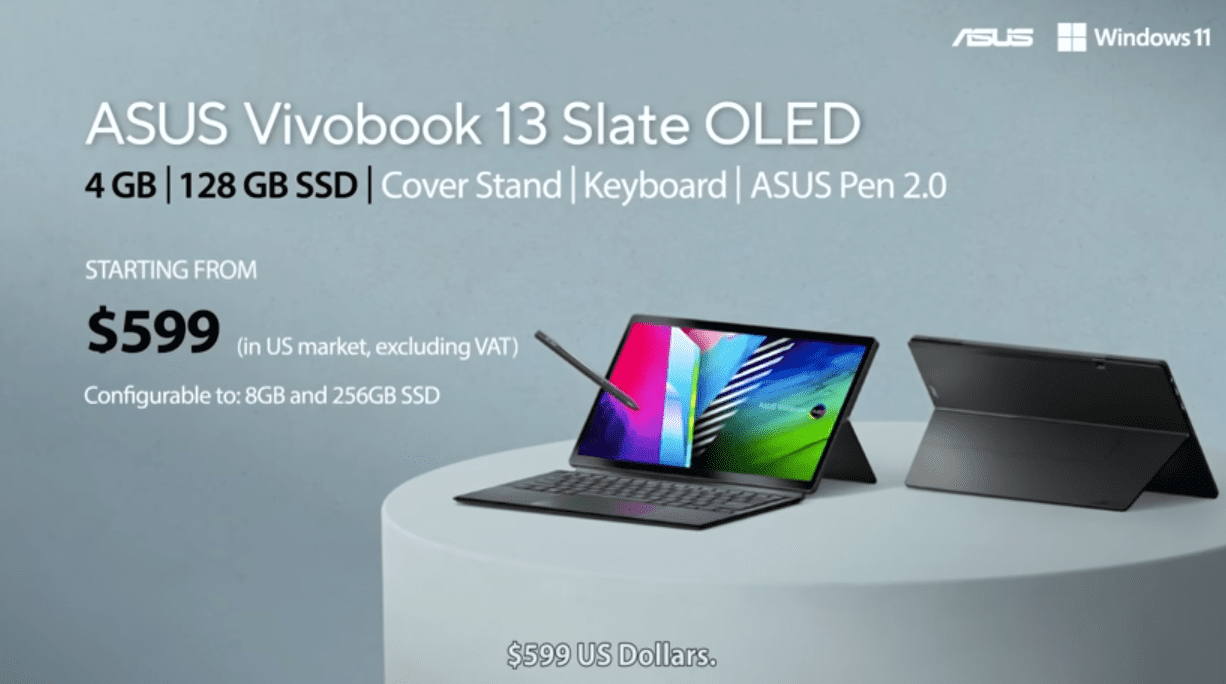
I see this as a value-for-money media device, not a full laptop replacement. At its price, it feels fair if your focus is entertainment, notes, and light work.
It is worth buying only if you accept the performance limits and want an OLED display in a portable form.
From my experience, it is not a budget powerhouse, but a good secondary device for daily, simple tasks.
Final Verdict
ASUS Vivobook 13 Slate OLED is a product that is best used when you know its limitations. I liked to use it to study, stream, and do some light everyday activities. The OLED screen is superb and makes the consumption of media shine. It is light, flexible, and easy to carry, and this has assisted me in my day-to-day movements between classes and work.
At the same time, performance is its clear weakness. It has a problem with multitasking and cannot be used in heavy workloads. In my case, it is not a full-fledged laptop, but a secondary device. When you are interested in portability, notes, and entertainment, it provides a simple and smooth experience.
FAQ
Is the ASUS Vivobook 13 Slate OLED’s performance good?
It manages simple functions such as browsing, streaming, and documents without any difficulties. However, it decelerates when heavily multitasked or when using demanding applications. It is constructed to be used lightly on a daily basis.
How is the battery life of the ASUS Vivobook 13 Slate OLED?
The battery life is approximately 8-9 hours of light work. It is lowered to about 6 to 7 hours by streaming. It lasts long enough to use on a daily basis.
Is the ASUS Vivobook 13 Slate OLED student-friendly?
Yes, it is good with notes, online classes and simple assignments. The stylus is used in writing and diagrams. It is suitable to light academic use.