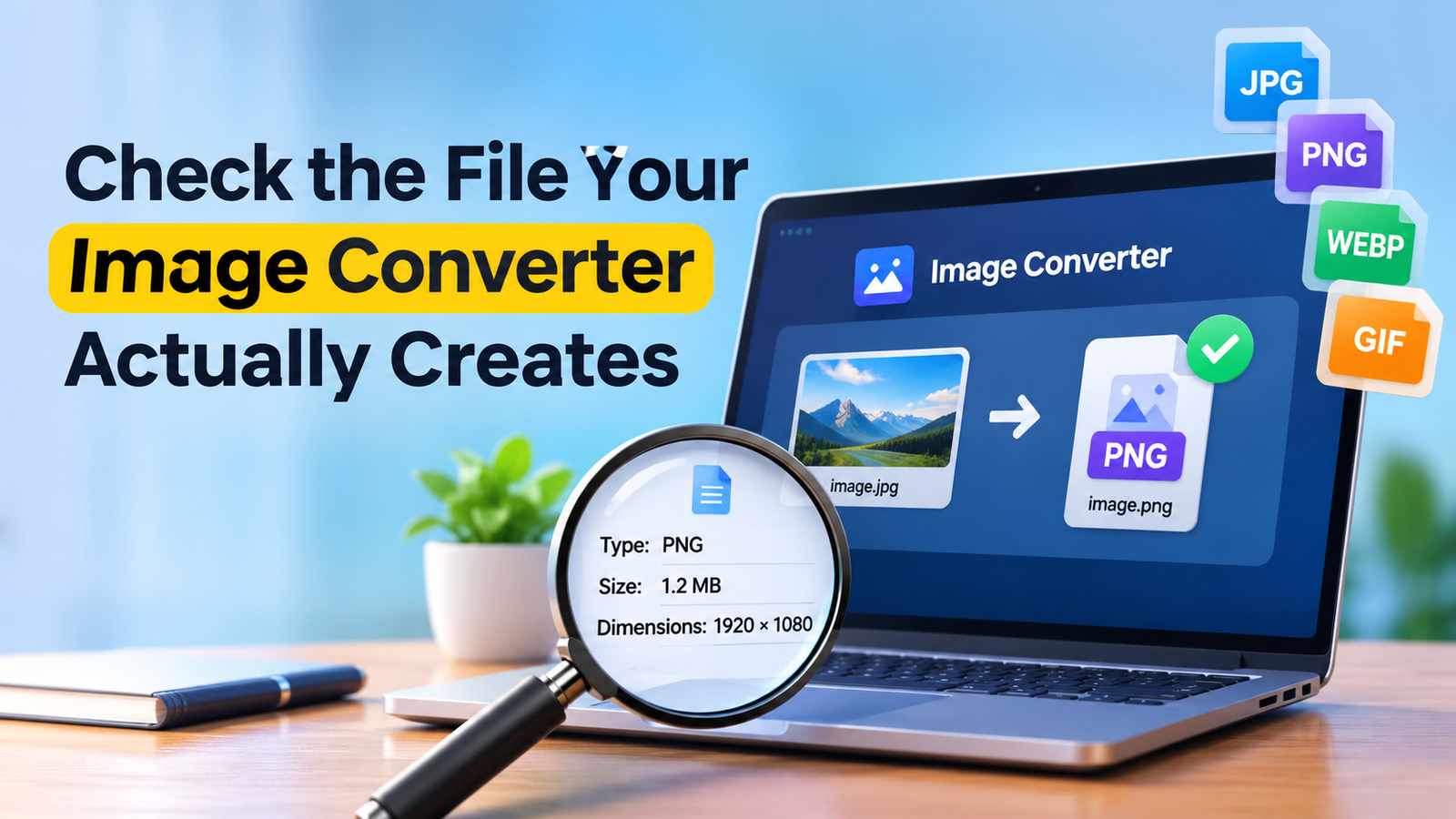
Check the File Your Image Converter Actually Creates
A converted photograph can look unchanged while becoming a very different file. The dimensions may be smaller, the format may have changed and some embedded information may have been removed or copied. Looking at the picture alone cannot tell you which of those changes occurred.
Before sharing a converted image, make the exported copy the object of the privacy check. A tool such as IPDrop’s photo metadata cleaner belongs in that workflow because the question concerns information embedded in the actual file selected for publication. It does not remove private details visible in the picture, and checking an earlier version does not establish what a later converter will produce.
Keep the original out of the experiment
Begin with a separate copy and retain the original according to your normal storage arrangements. This makes it possible to compare the files without relying on memory or repeatedly processing the only version you have.
Choose a harmless test photograph if you are evaluating an unfamiliar converter. There is no need to upload a private image to discover whether a service changes a file format. If the converter operates through a website, read its current processing and retention information rather than assuming that a browser interface means the image never leaves the device.
Give each output a distinct filename. A source image, a resized image and a cleaned sharing copy should not all appear as photo-final. Clear names make it less likely that the correct review is followed by the wrong upload.
Distinguish appearance from embedded fields
An image viewer mainly answers a visual question. It shows whether the photograph is readable, whether a crop worked or whether compression introduced obvious defects. It may display some file information, but a normal preview is not a complete metadata inventory.
The ExifTool EXIF tag reference documents fields including camera information, timestamps and GPS-related information. Their presence depends on the source and processing history. Not every photograph contains location data, and an empty location field does not mean that no other descriptive information exists.
The practical distinction is between what is visible in the pixels and what is recorded elsewhere in the file. A street sign, address label or reflected screen can remain visible after embedded metadata is removed. Those details need a separate visual decision about cropping, obscuring or not publishing the picture.
Run the check after the conversion
Inspect the exact file saved by the converter. If your process resizes, converts and then cleans an image, the file produced by the cleaning step is the final candidate for sharing. If another application subsequently edits or exports it, that newer output needs its own check.
This is particularly important when several tools are involved. An editor may preserve information that another service omits, or add descriptive fields during export. The correct conclusion comes from inspecting the result, not from assuming that every tool follows the same policy.
Browser image APIs illustrate why the output itself matters. MDN’s documentation for canvas toBlob describes creating an image file representation from canvas content, with format and quality options. That mechanism does not establish the metadata policy of every image-conversion website. A site’s implementation and any later processing still need to be considered separately.
Check more than the location label
Start with the fields relevant to the intended sharing context, but do not stop at a reassuring map icon or a single blank GPS field. A file can contain a description, creator information or a date that matters to the person publishing it.
Do not invent a universal list of fields that must always be deleted. A professional workflow may need copyright or credit information, while a personal sharing copy may have different requirements. The decision should be explicit, with the original retained where appropriate, rather than treating every metadata field as either harmless or dangerous.
If your inspection tool cannot read a format, its silence is not proof that the file is empty of metadata. Record that limitation and use a suitable inspection method, or choose an output format whose relevant fields you can actually examine.
Test the file that will reach the reader
The next boundary is the publishing platform. A website or messaging service may transform an uploaded image, while an attachment sent as an original file may follow a different path. Do not infer the behaviour of one upload option from another.
Where possible, make a test with a non-sensitive image and inspect the resulting downloadable copy. Keep that observation limited to the tested service, upload path and time. It does not guarantee that every future version of the platform will behave identically.
Also check the filename and the surrounding caption before publication. Cleaning information inside the image cannot remove an address typed into the post itself, and a carefully prepared copy offers no protection if the original is attached by mistake.
Make the final choice deliberate
A reliable sharing workflow has an identifiable final file. Its visual content has been reviewed, its relevant embedded fields have been inspected or deliberately removed, and the person uploading it can distinguish it from the retained original.
The useful habit is to repeat that review when the file crosses another processing boundary. Conversion, editing and publication are separate operations. Checking the output of the last one you control is a more defensible approach than assuming that a file is private because it once passed through a cleaner.